




The Big Refresh: Four Looks, a New Search and a Faster Chat
Flirtzy has been rebuilt almost everywhere. Pick one of four themes (Twilight is the new default), search characters, pictures and memories as you type, get chat pictures in about half the time, create characters in three simple steps, and meet new characters in your own language. Plus a new pricing page, Help & support, richer profiles and dozens of fixes.
4
themes + Auto, each designed on its own
2×
faster chat pictures (16–18 s); scene videos 95 → 55 s
0.5 s
typical character search (was 2 s+)
18
languages every new character speaks
This is the biggest update Flirtzy has had. Over the last weeks we went through almost every page and window of the site: how it looks, how fast it is, and the small things that used to get in your way. Below you'll find every change you can see or feel, with before / after pictures for most of them: drag the handle in the middle to compare.
There's a lot more than the quick tour
The tour shows the highlights. The full post on the What's New page has every change: profiles, pricing, Help & support, dozens of smaller improvements and fixes, with before / after pictures for most of them.
Four themes
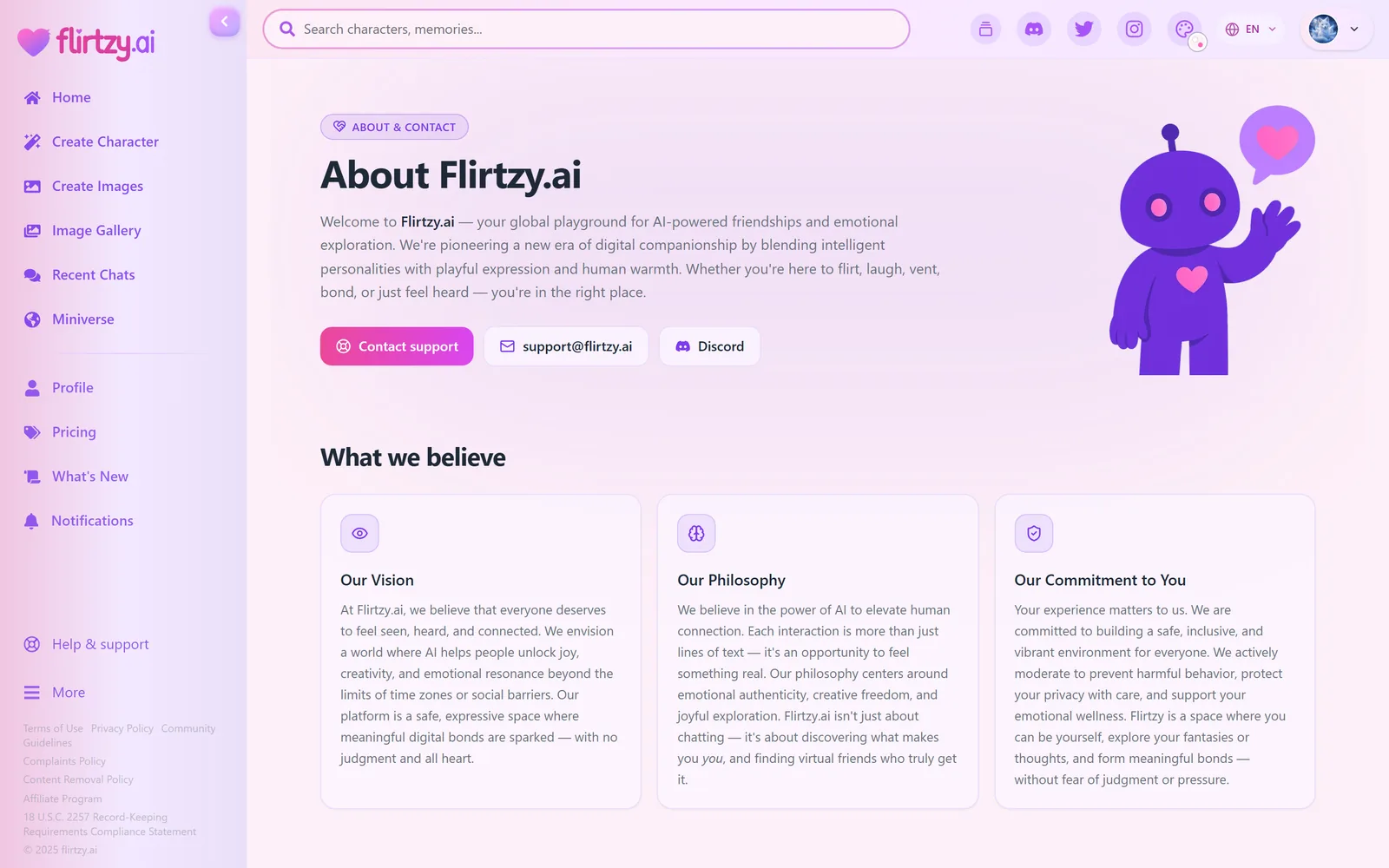
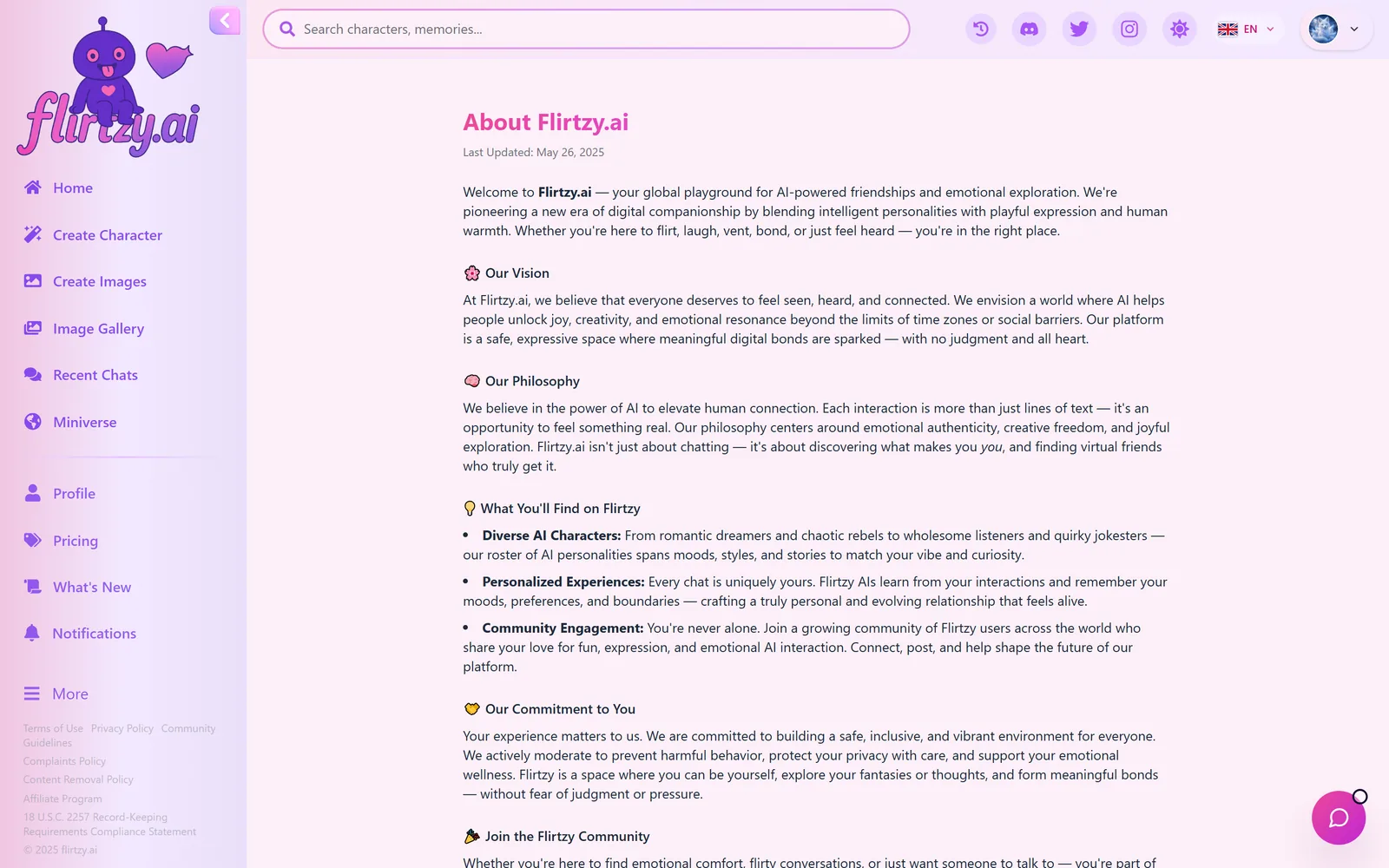
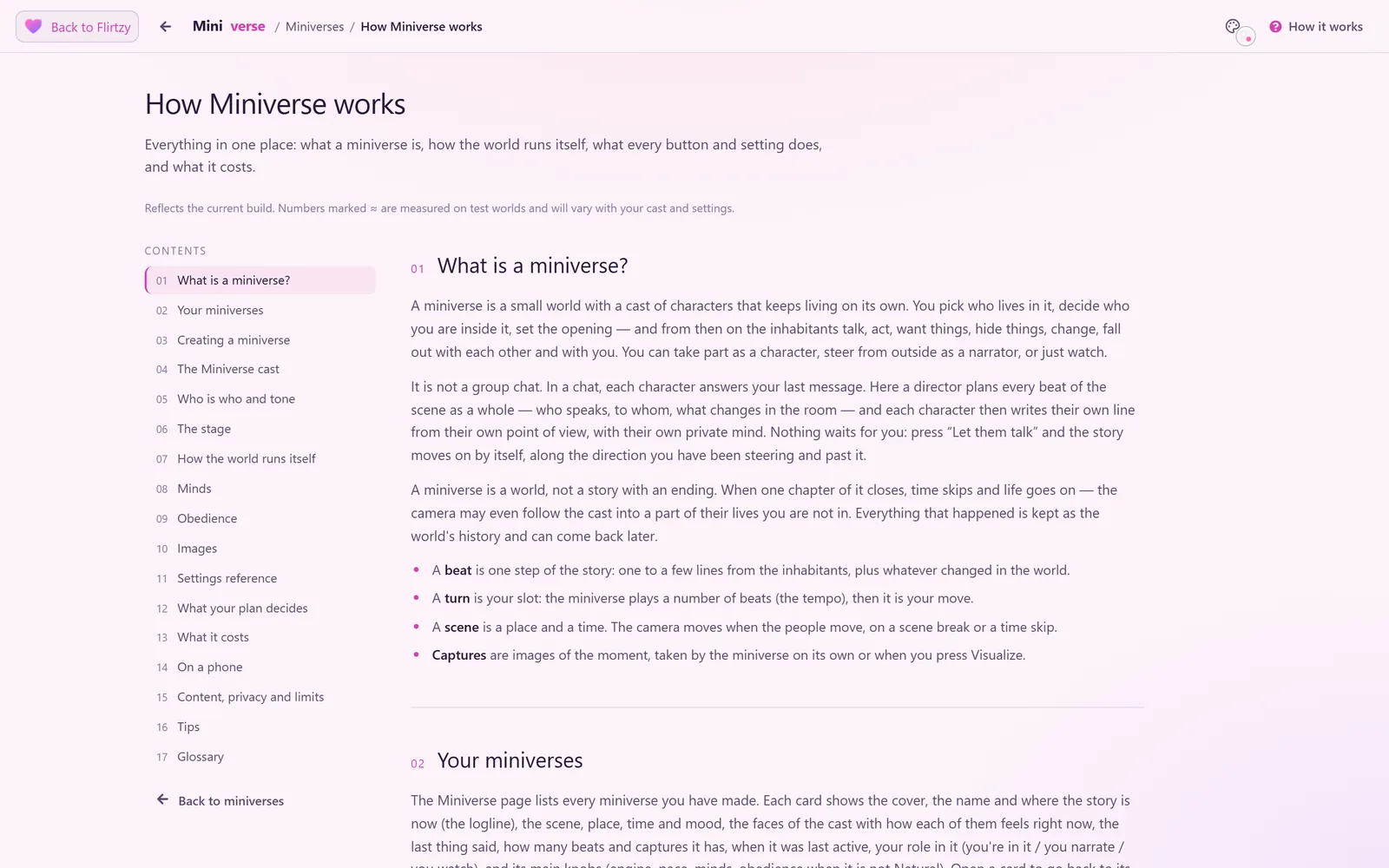
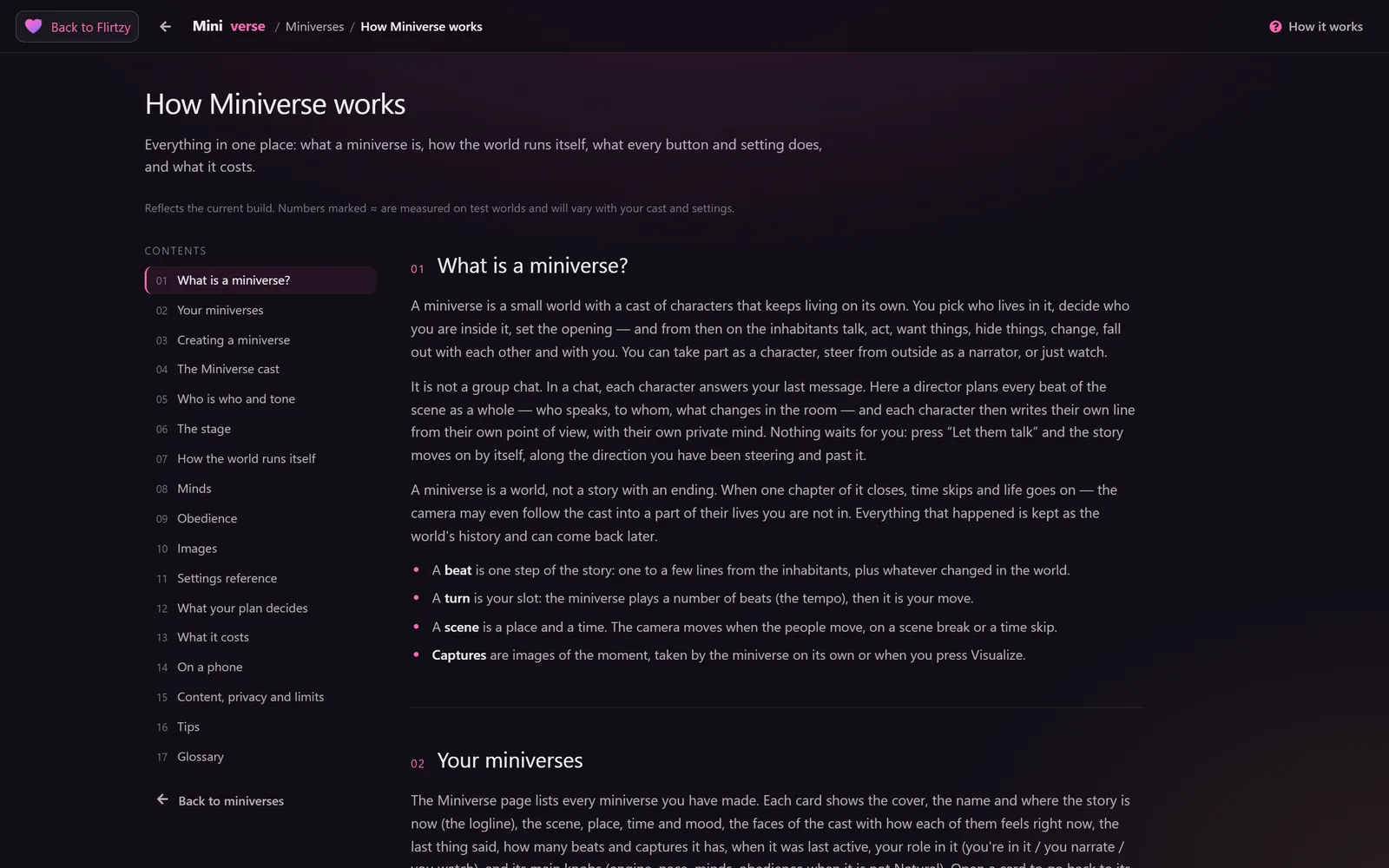
Flirtzy, Twilight (the new default), Ink and Daylight, each designed screen by screen, with its own chat bubble styles.
A new search
Characters, pictures and memories in one search, as you type, and about four times faster.
Faster pictures and videos
Chat pictures in 16–18 s, scene videos in about 55 s, with a live card that shows every step.
Create a character
Three simple steps, the exact cost always in view, and fresh names instead of another Aria.
Your language
New characters in all 18 languages, and replies in the language you write in.
Help, pricing, profiles
A real Help & support page, a clearer pricing page and profiles that show what people share.
01Themes
Pick your look
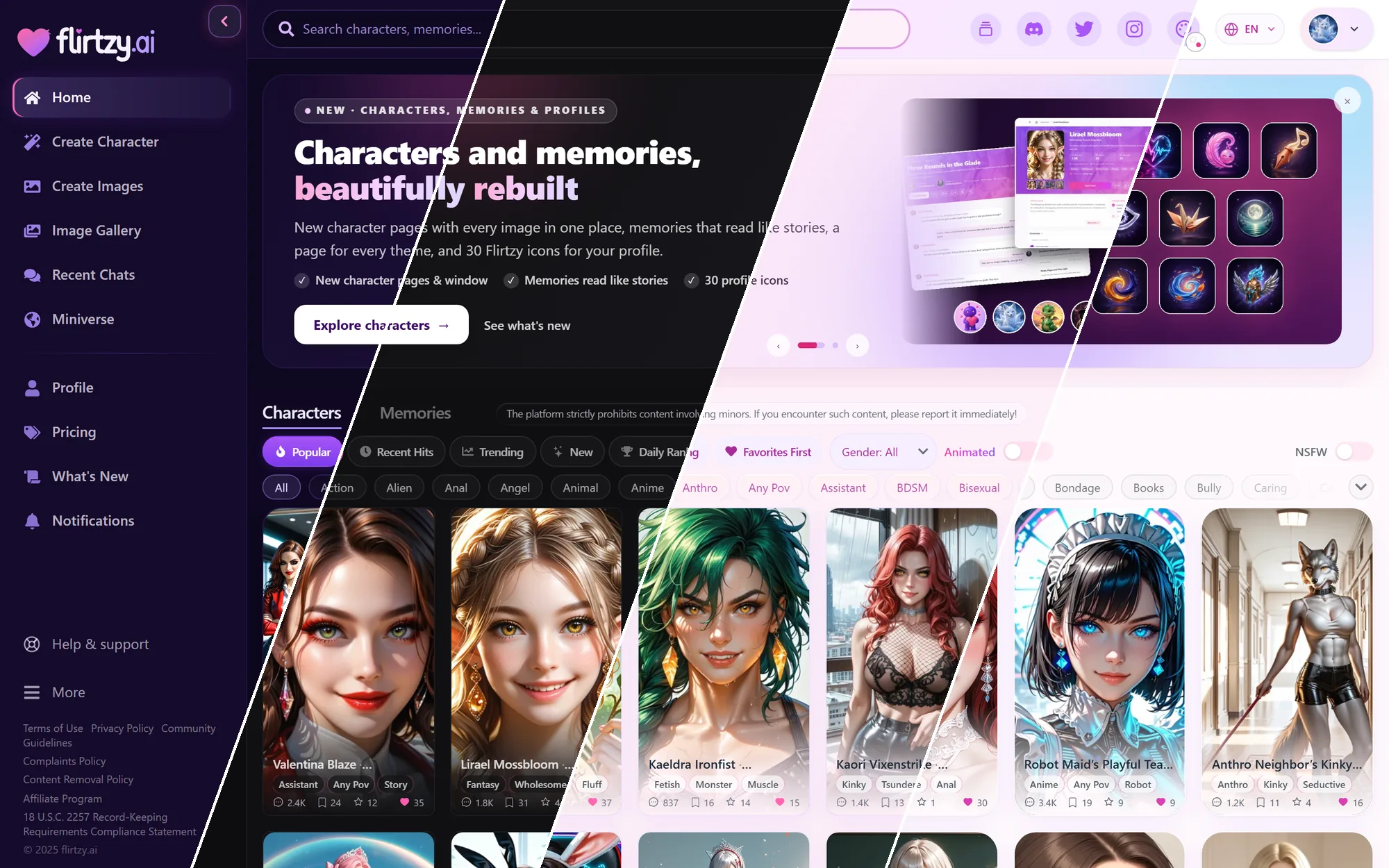
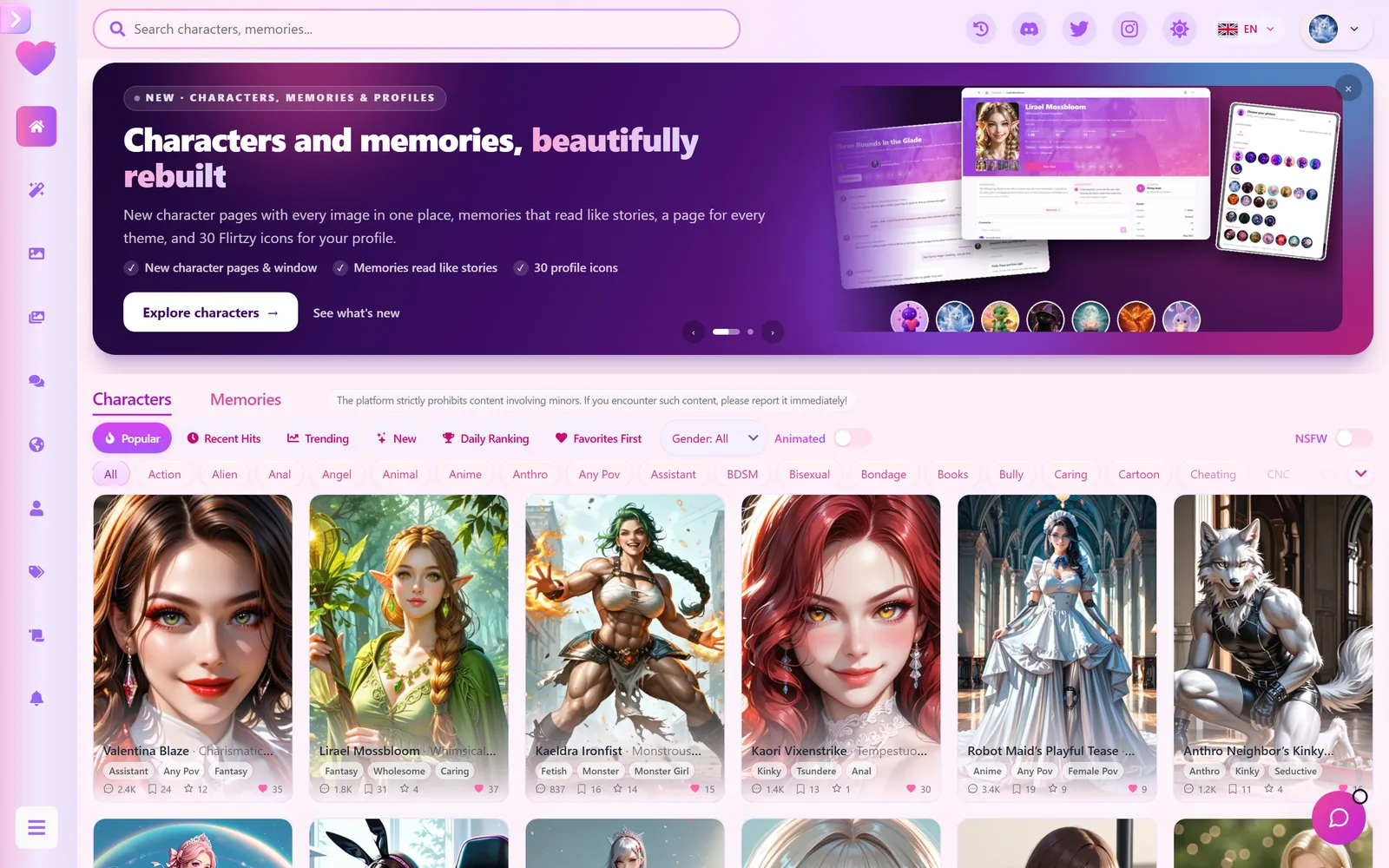
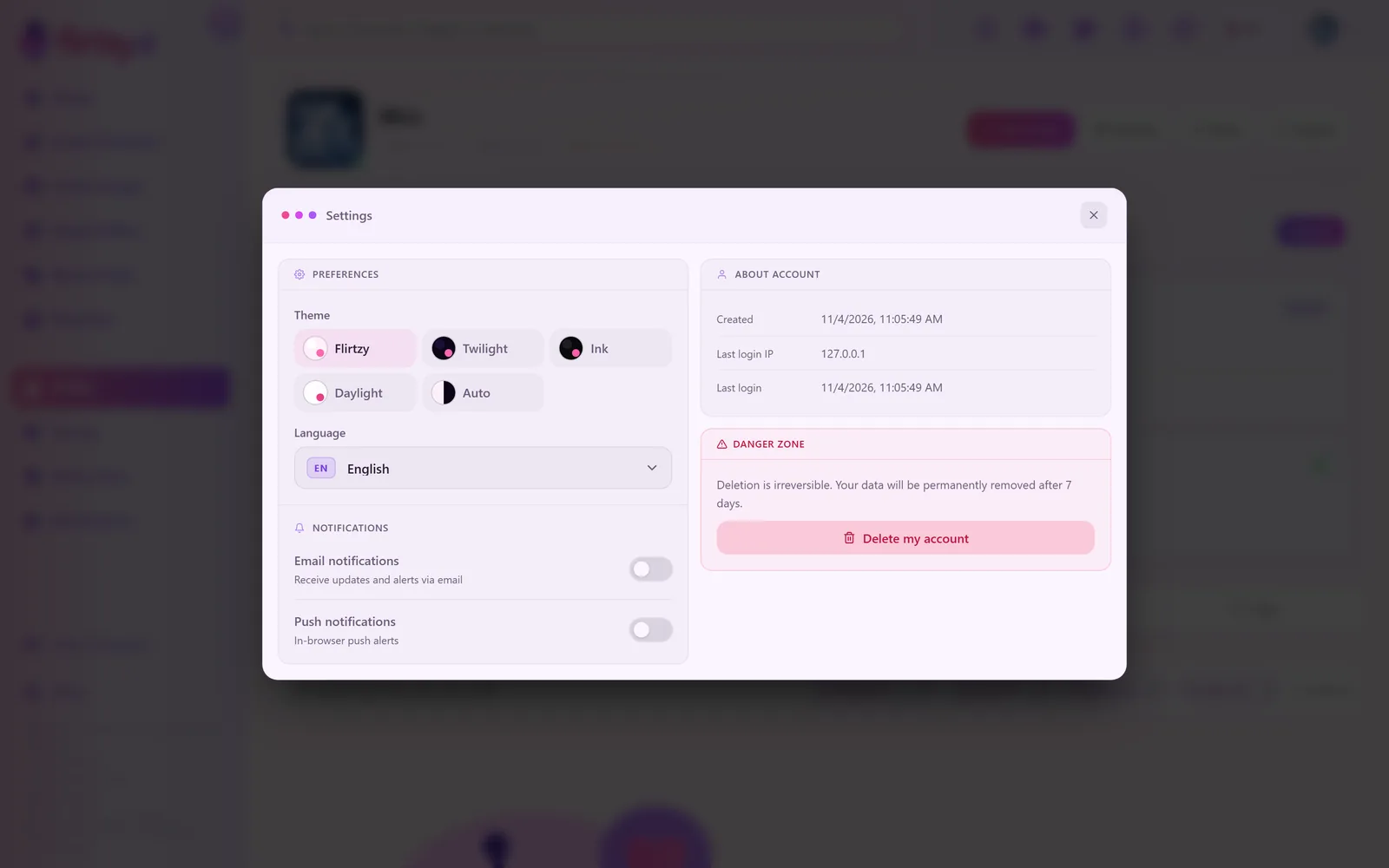
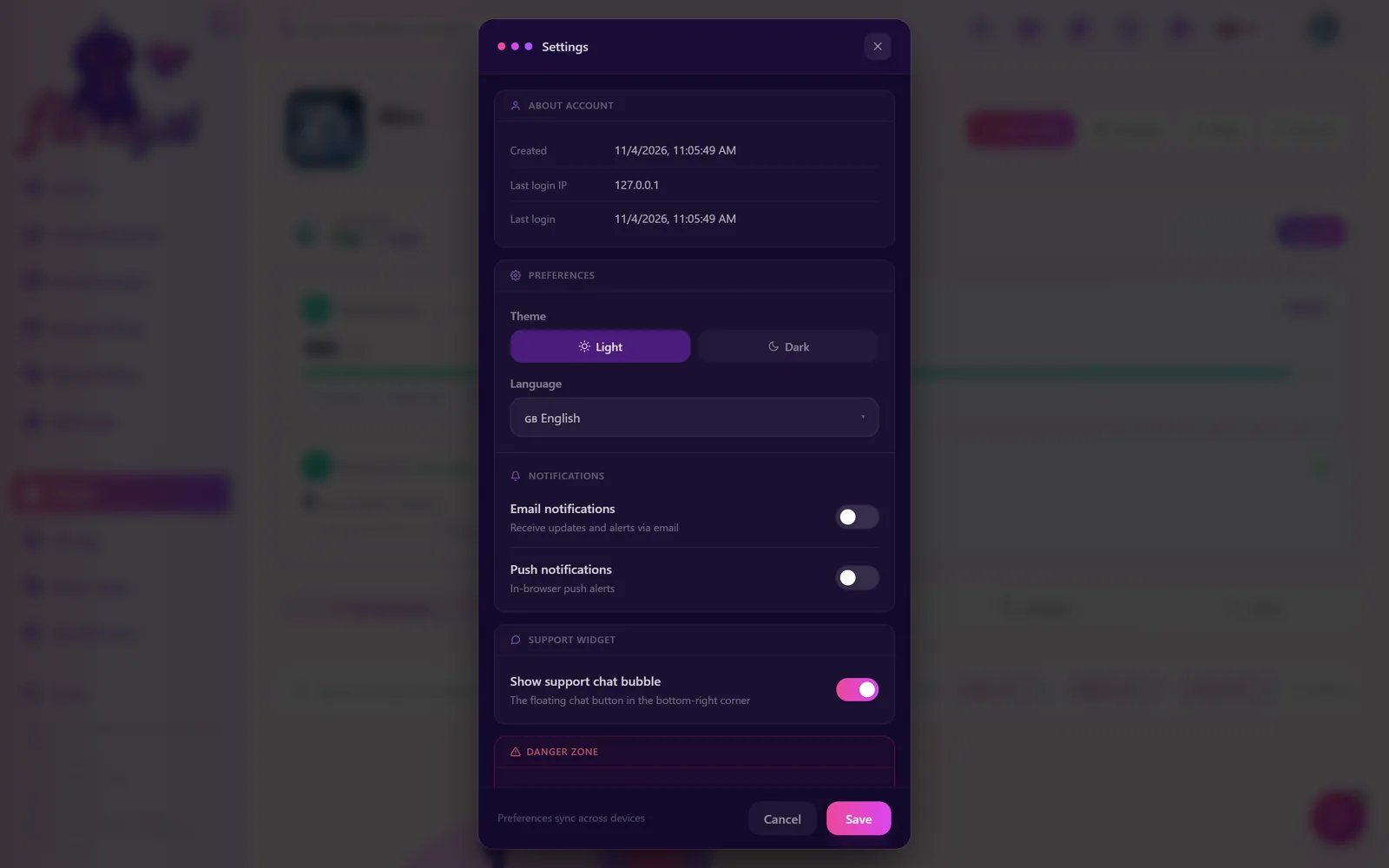
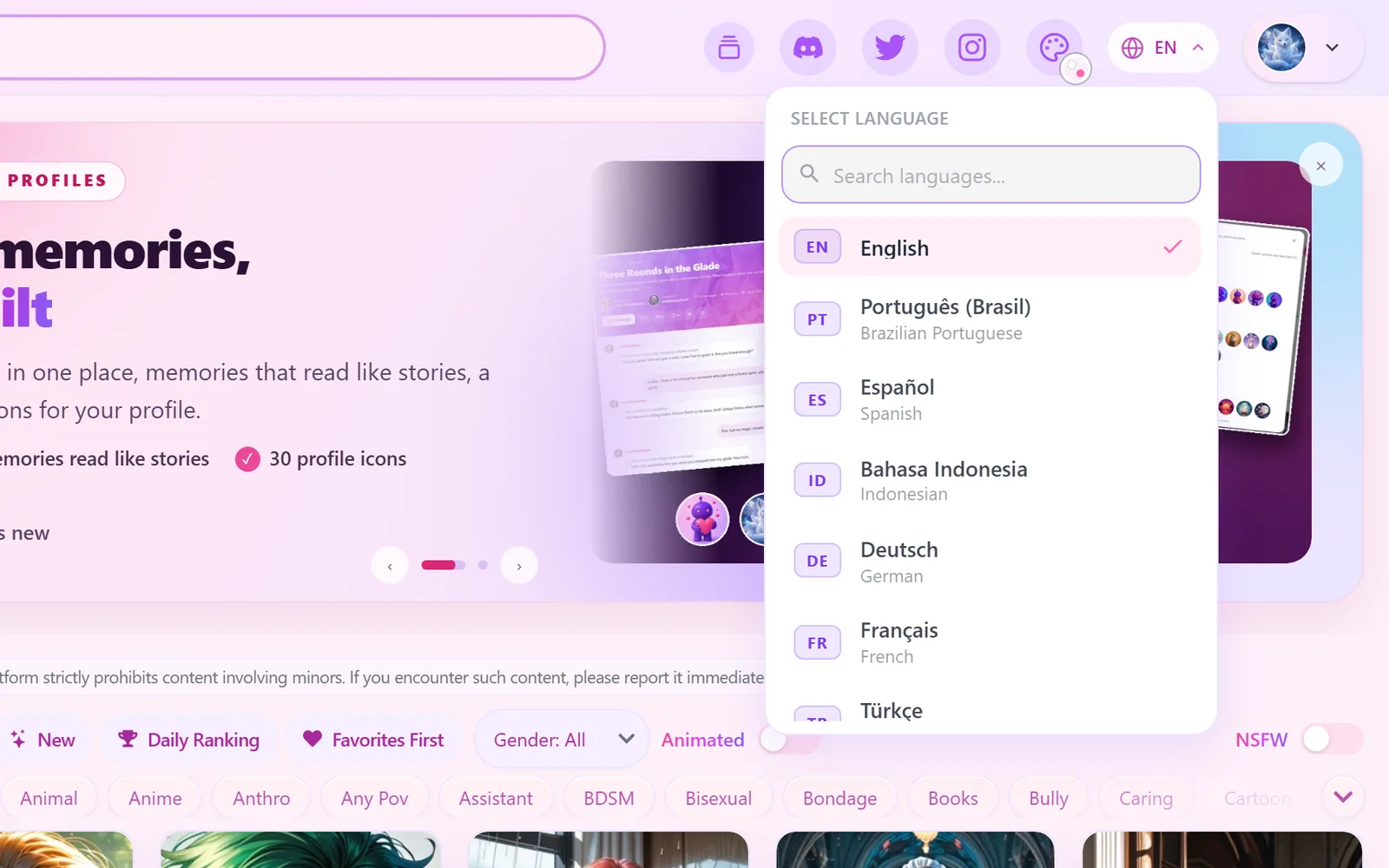
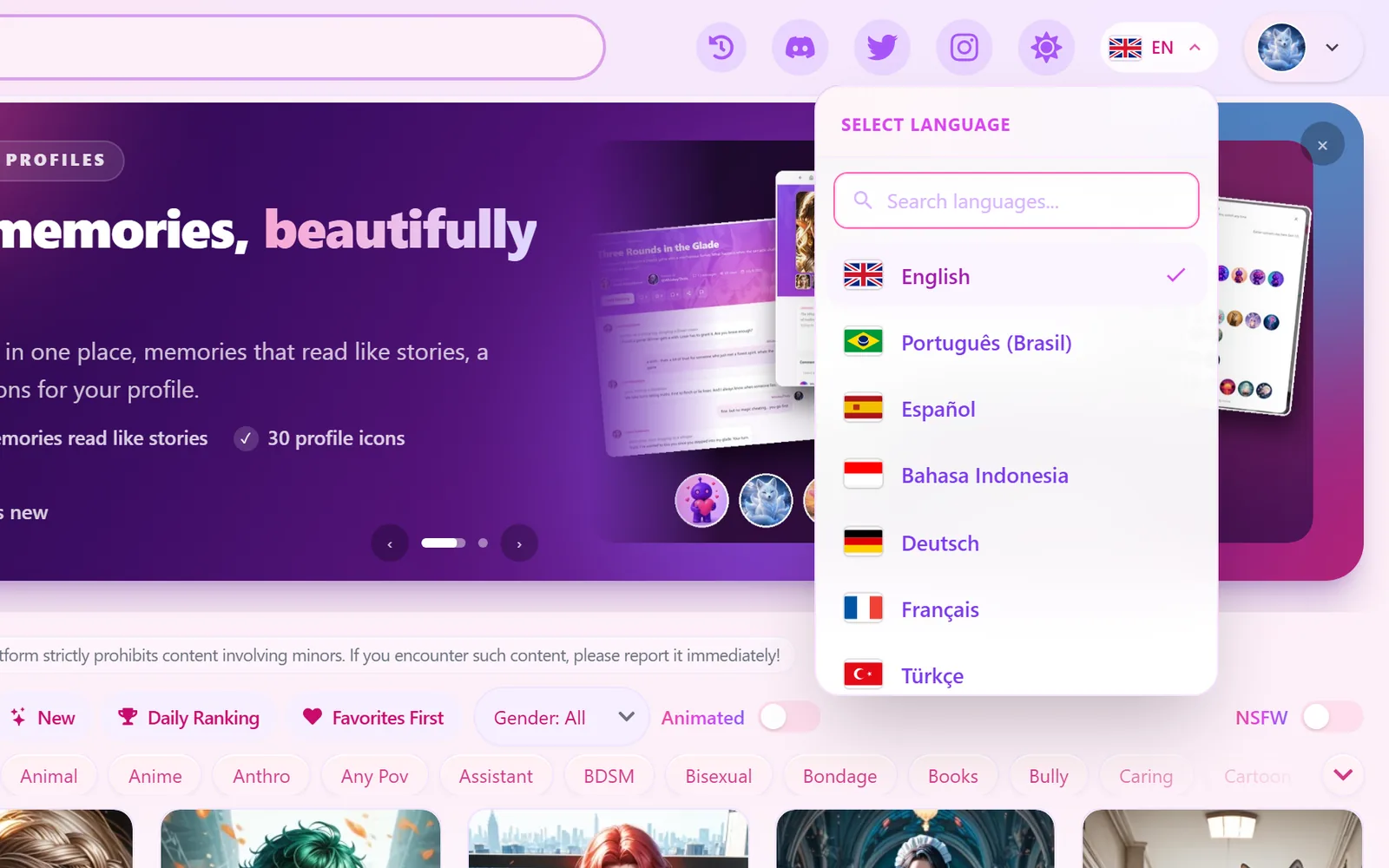
Our old theme system wasn't up to the standard we want: the dark mode repainted the site on the fly, which left pink patches, text you couldn't read in places and a flash of the wrong colours on every page load. It was time to replace it, so we rebuilt how Flirtzy is themed from the ground up. Flirtzy now has four complete themes, each one designed on its own, screen by screen, rather than recoloured: every page, window, menu and button. And Twilight is the new default.
Auto follows your device: Flirtzy in the day, Twilight at night. To switch, open the palette button at the top of every page (the little dot on it shows your current theme). The same choice is in your profile Settings, in Miniverse and on public profiles. If you've been with us before, a one-time window lets you pick your look the first time you visit, with a live preview, and a small pointer then shows you where the palette lives.
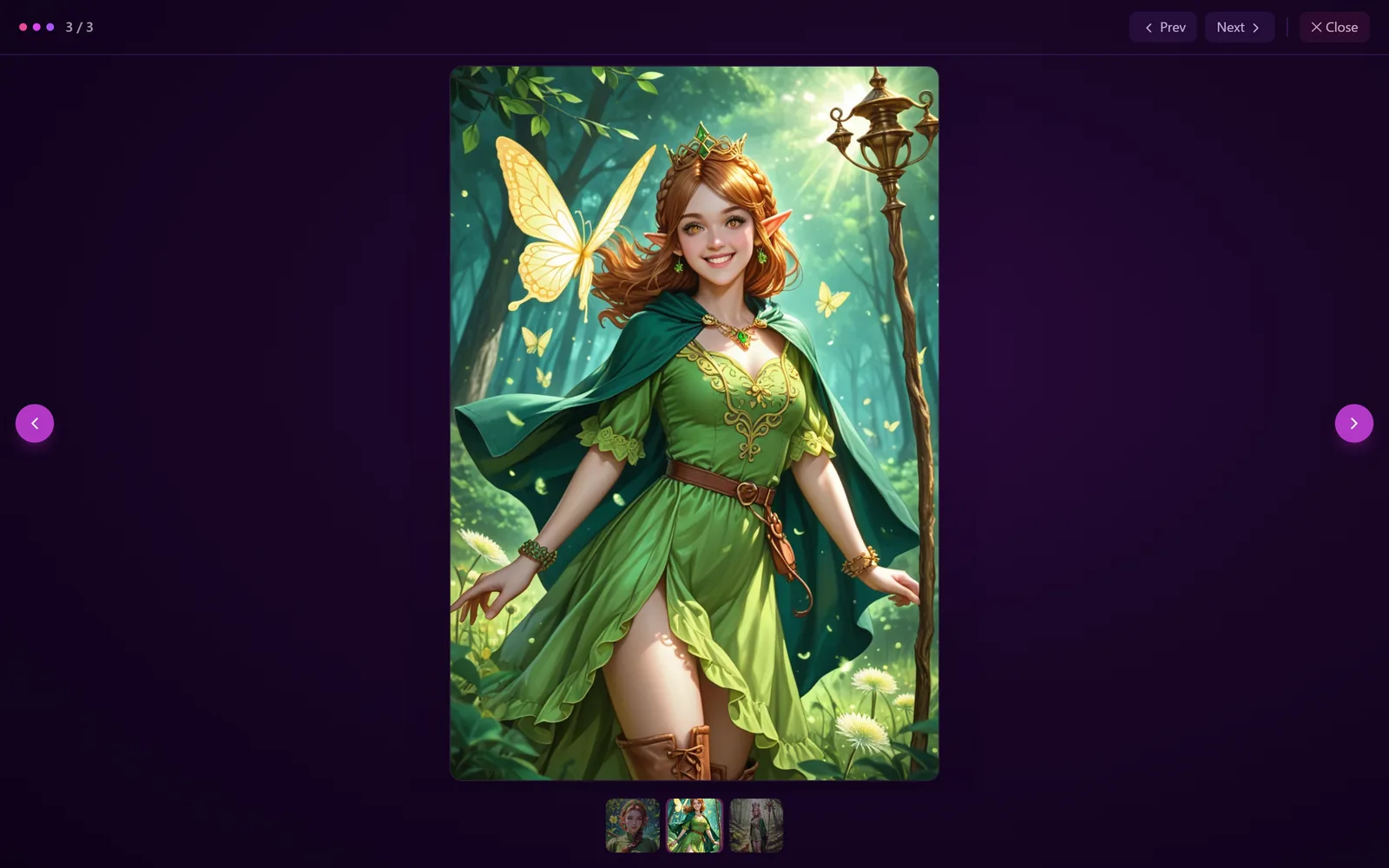
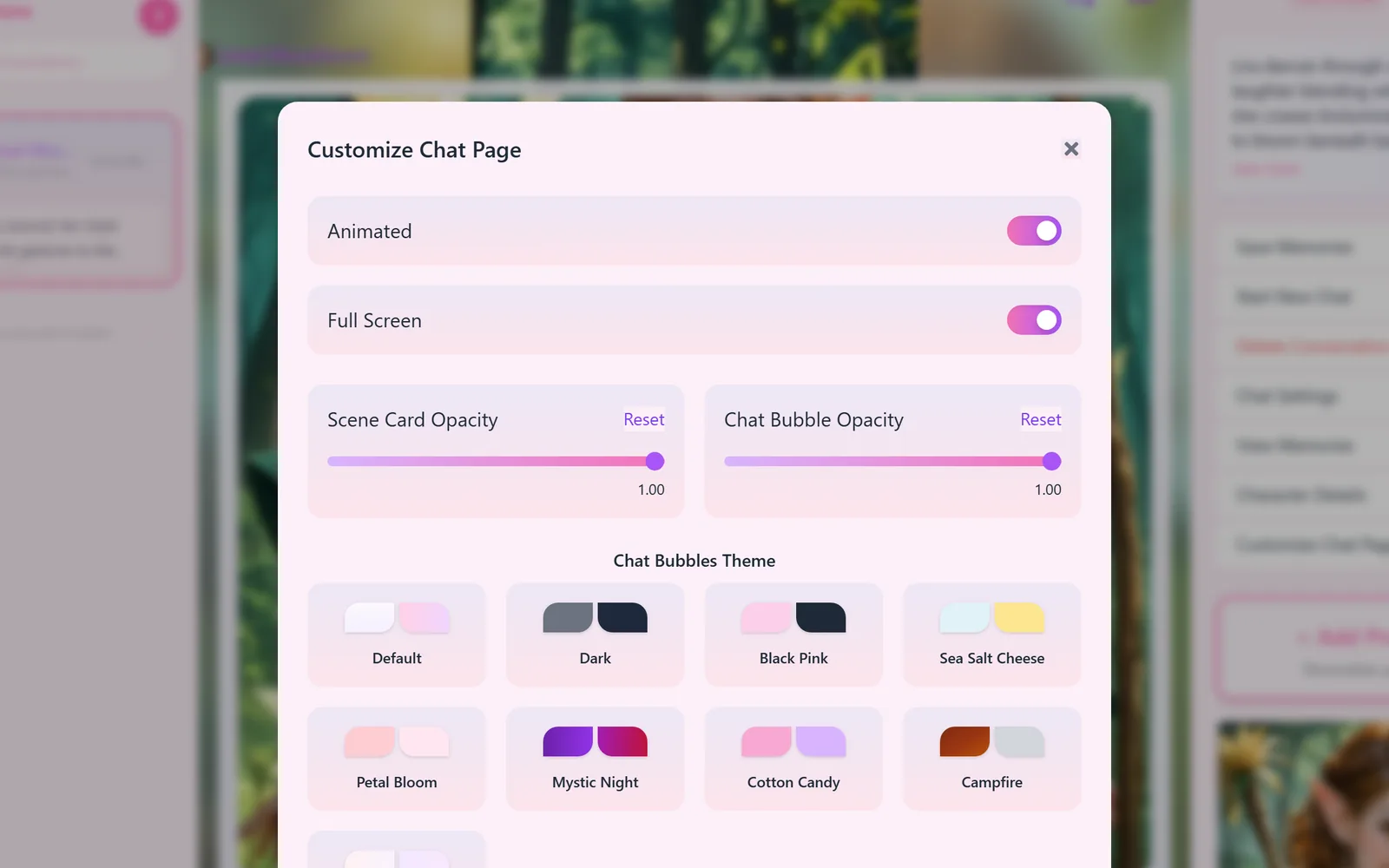
Every theme reaches into the details. Before, the chat bubble styles were all made for the pink Flirtzy look; now every theme has its own set of nine bubble styles, with their own colours and names, all readable over the scene picture (your pick is remembered for each theme). The picture viewers are light on Flirtzy and Daylight, every dropdown list opens in the theme's own colours instead of the browser's grey box, and windows such as sign-in, payment and What's New read clearly in all four. We also went through the hierarchy of every main page: inactive controls are quieter, the active choice and your content lead, and small grey dates and hints are readable again.
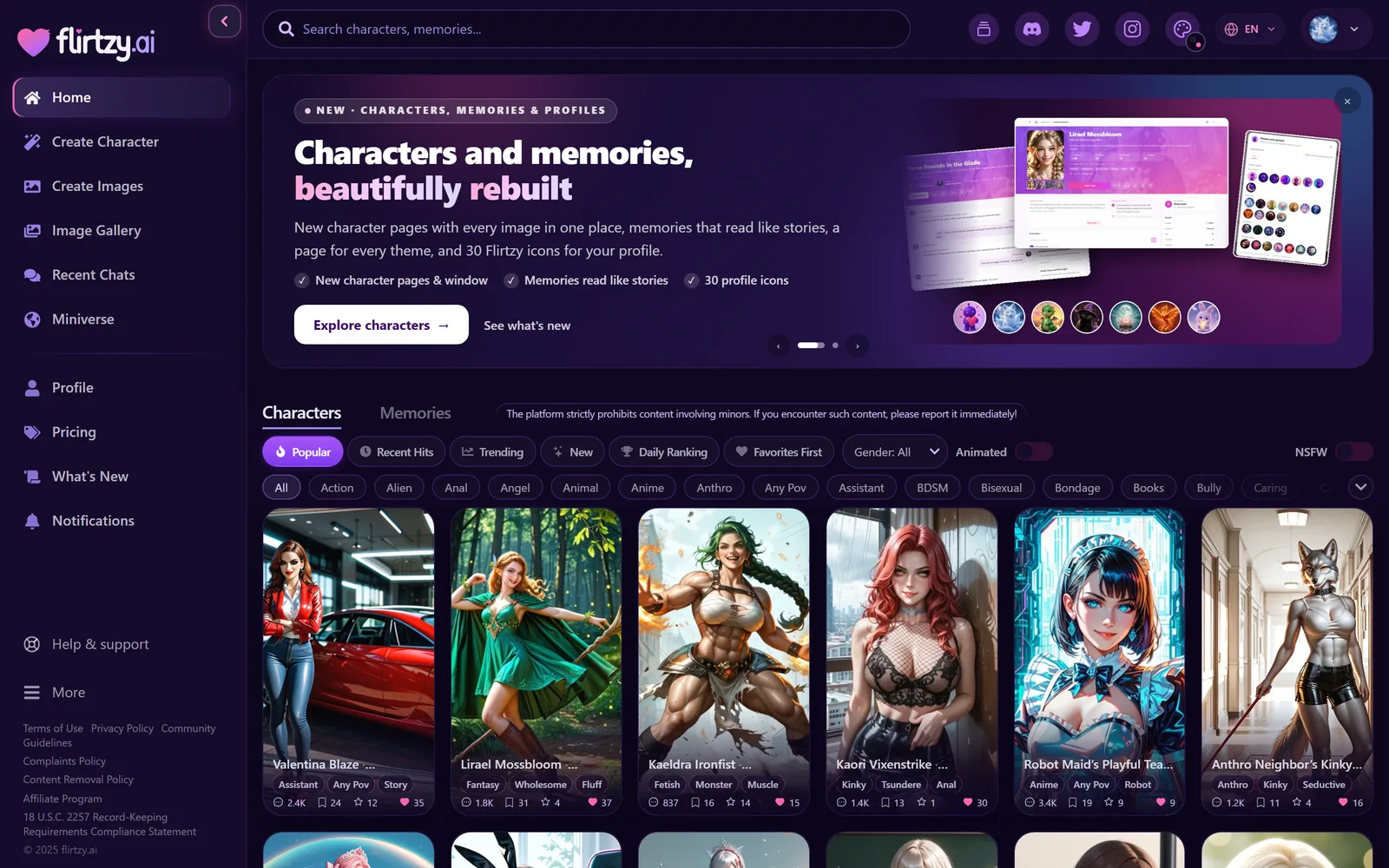
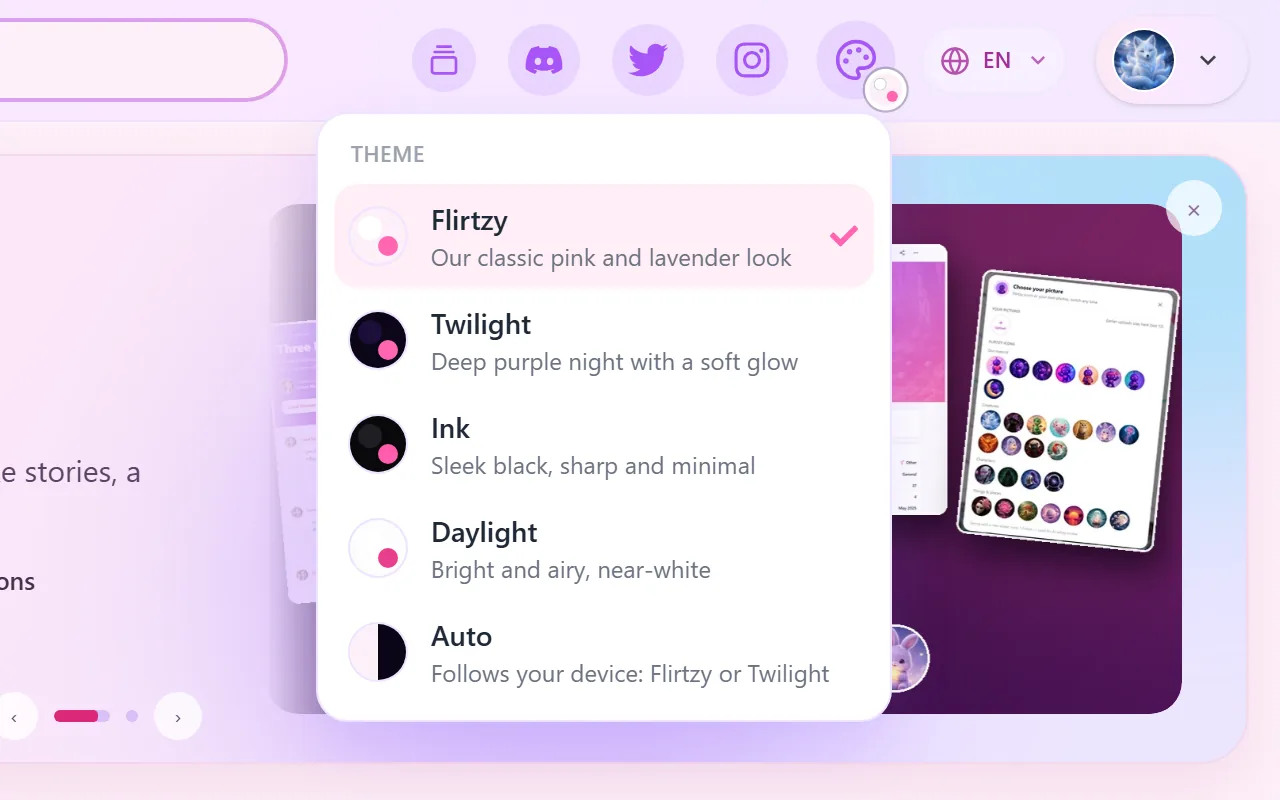
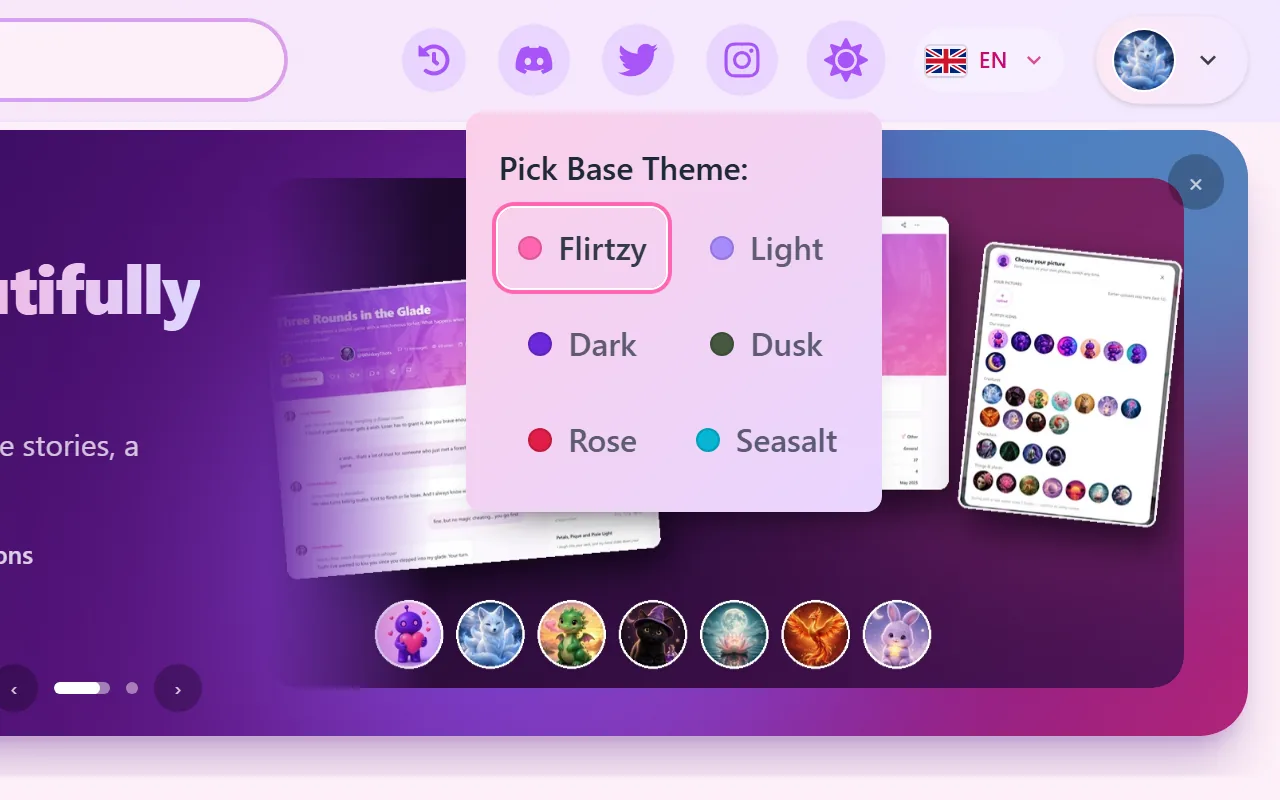
Twilight (new default)
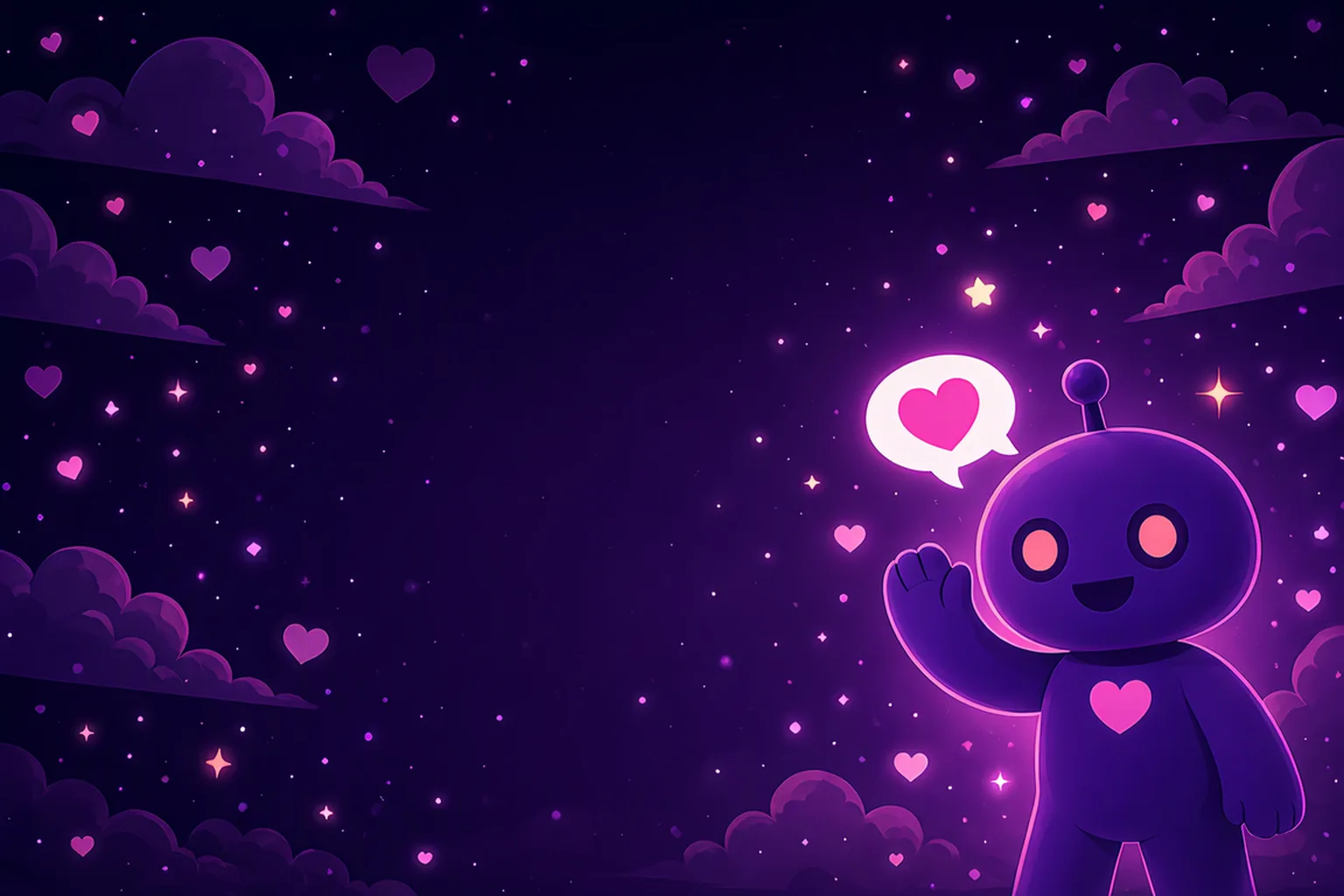
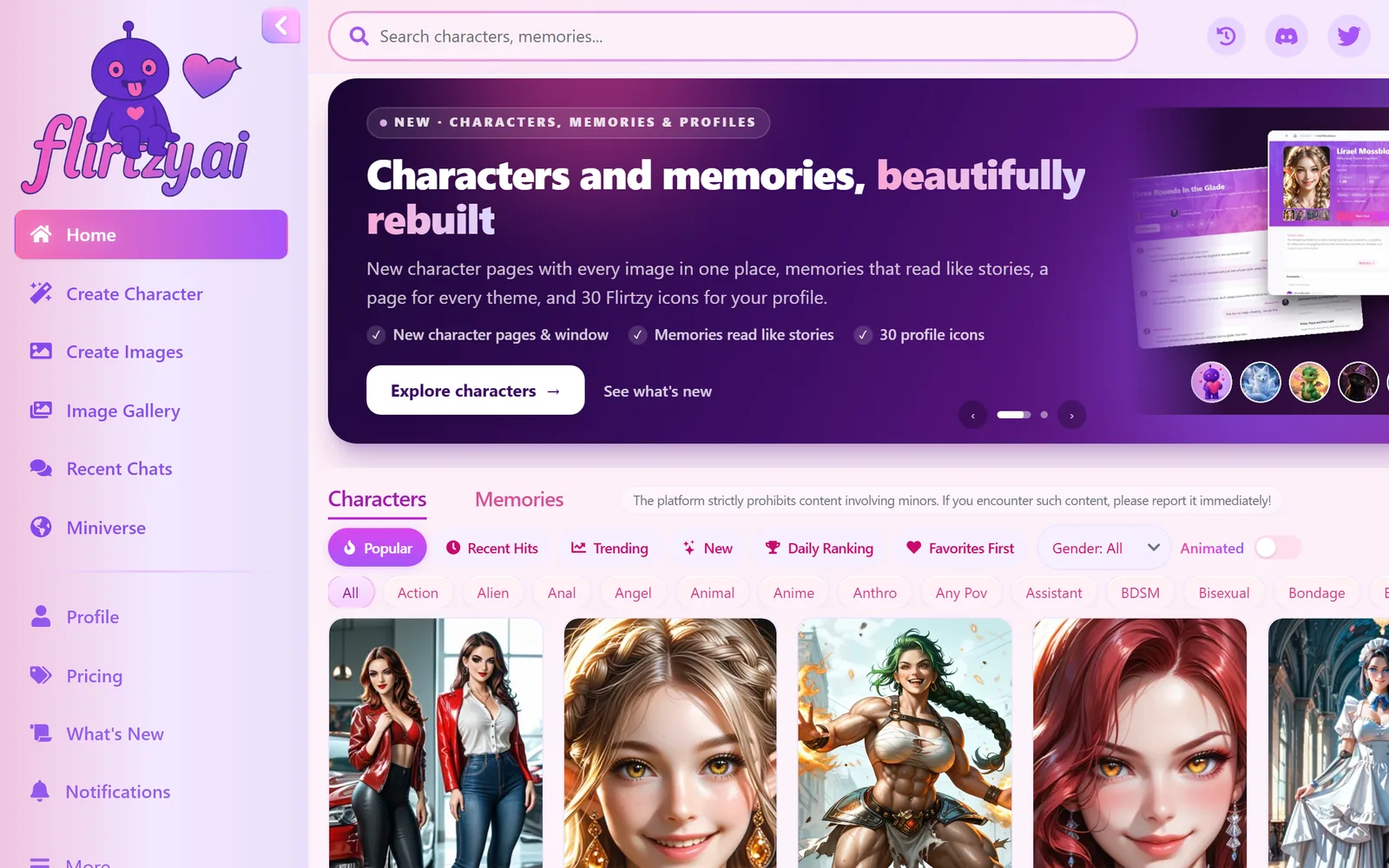
Deep purple night with a soft glow. Easy on the eyes in the evening and the best stage for your characters' pictures.
Ink
Sleek near-black, sharp and minimal, with just a touch of pink.
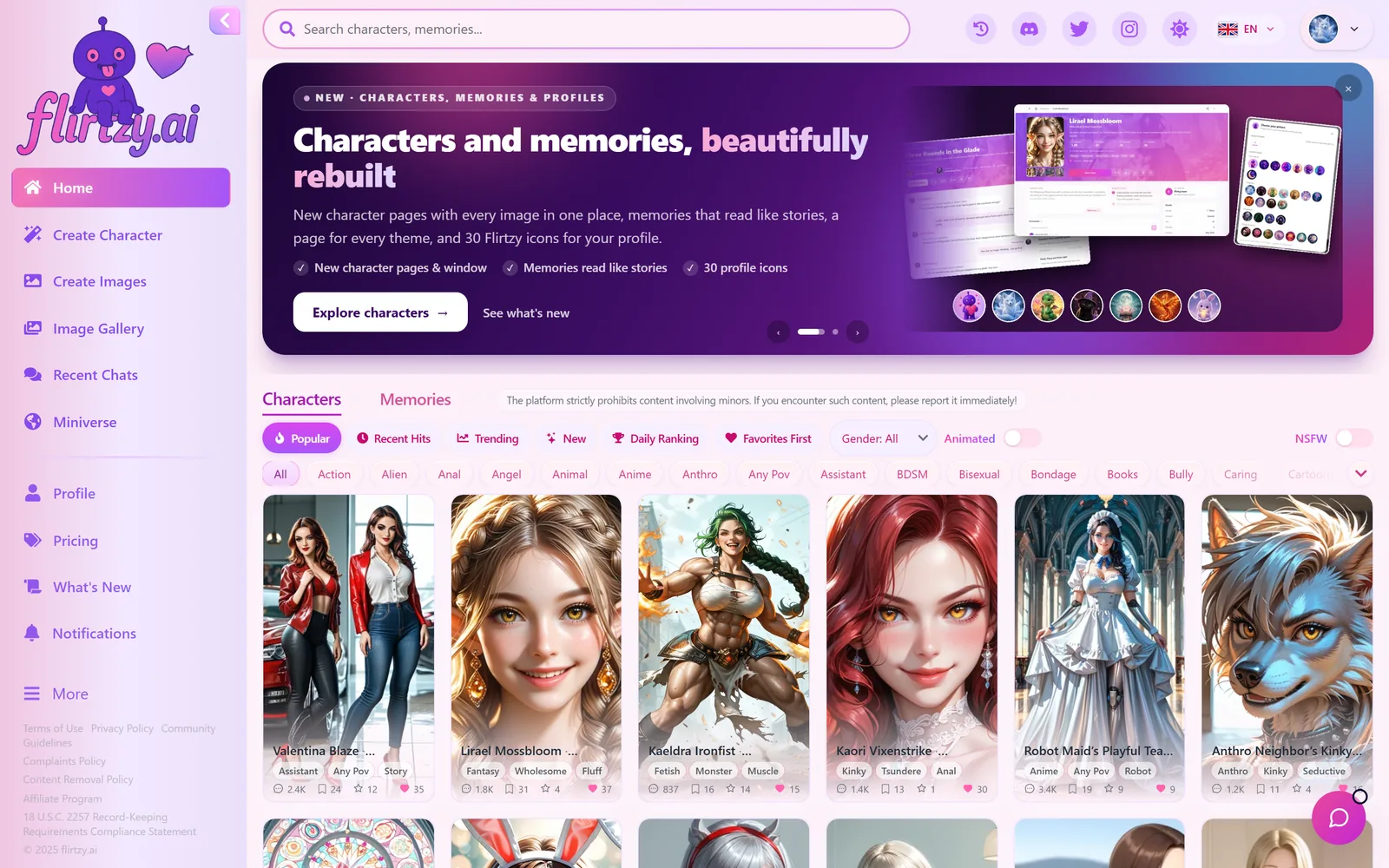
Flirtzy
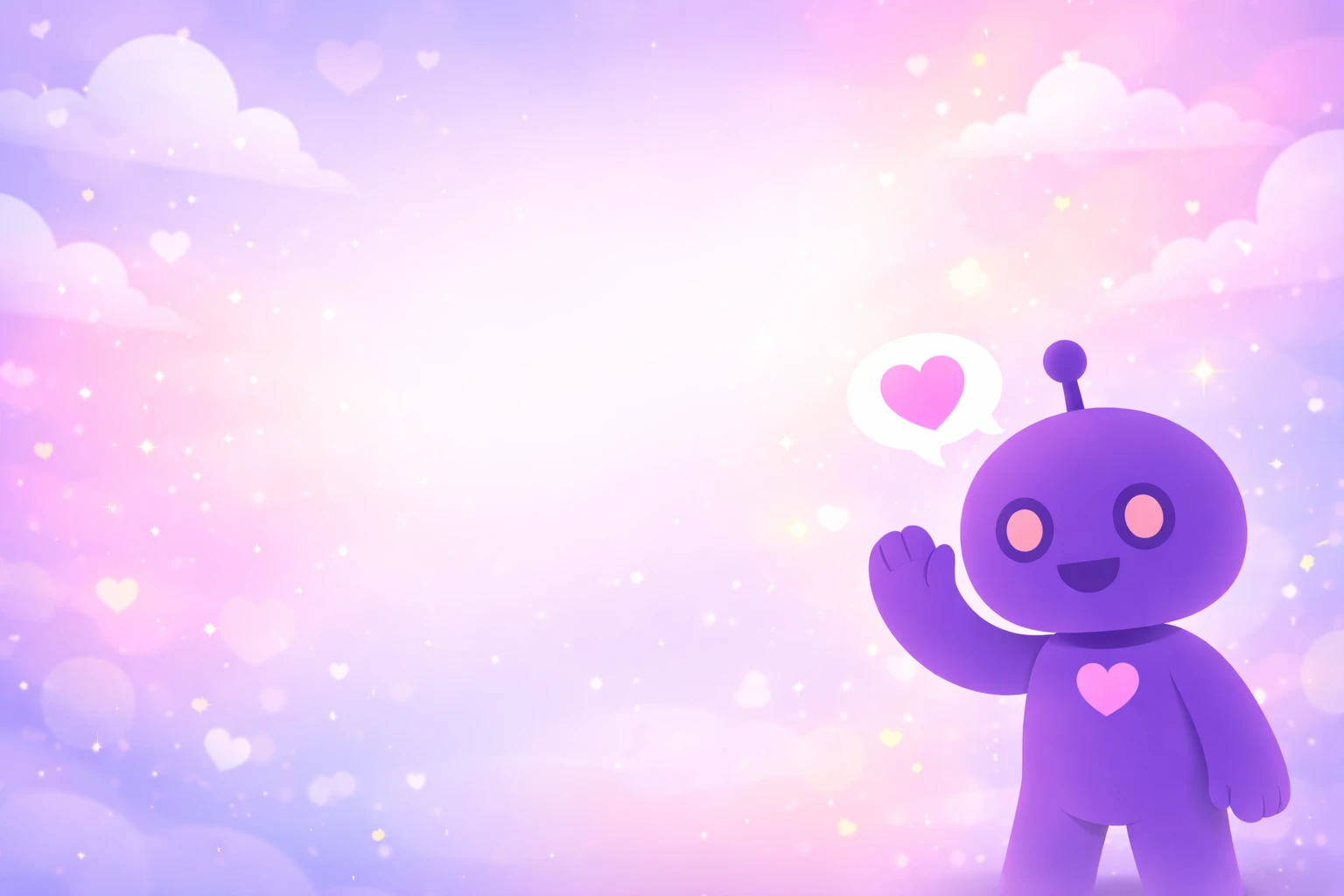
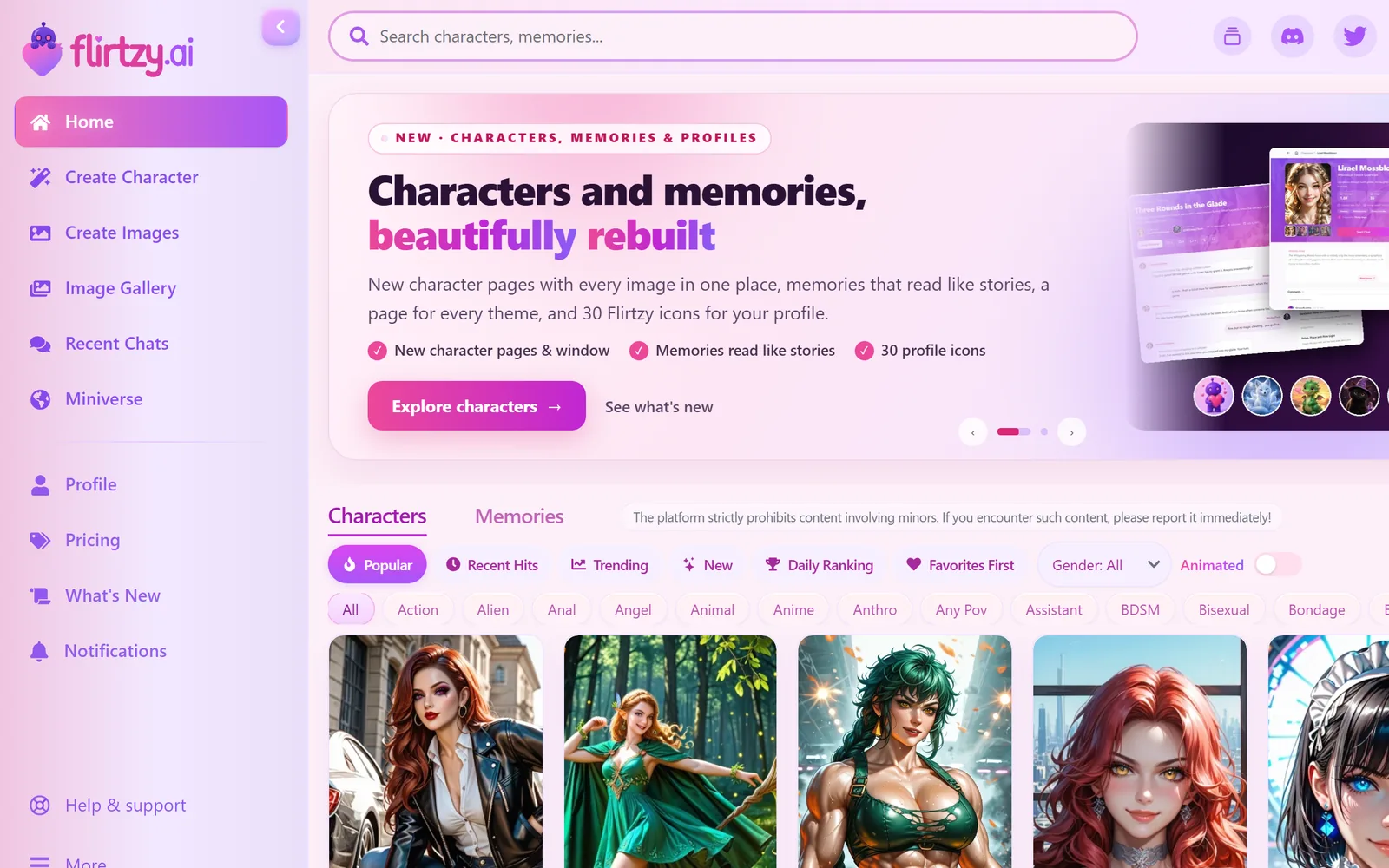
Our classic pink and lavender look, now soft and pastel everywhere: no more dark purple windows popping up inside it.
Daylight
Bright, airy and near-white for daytime browsing.
02Navigation
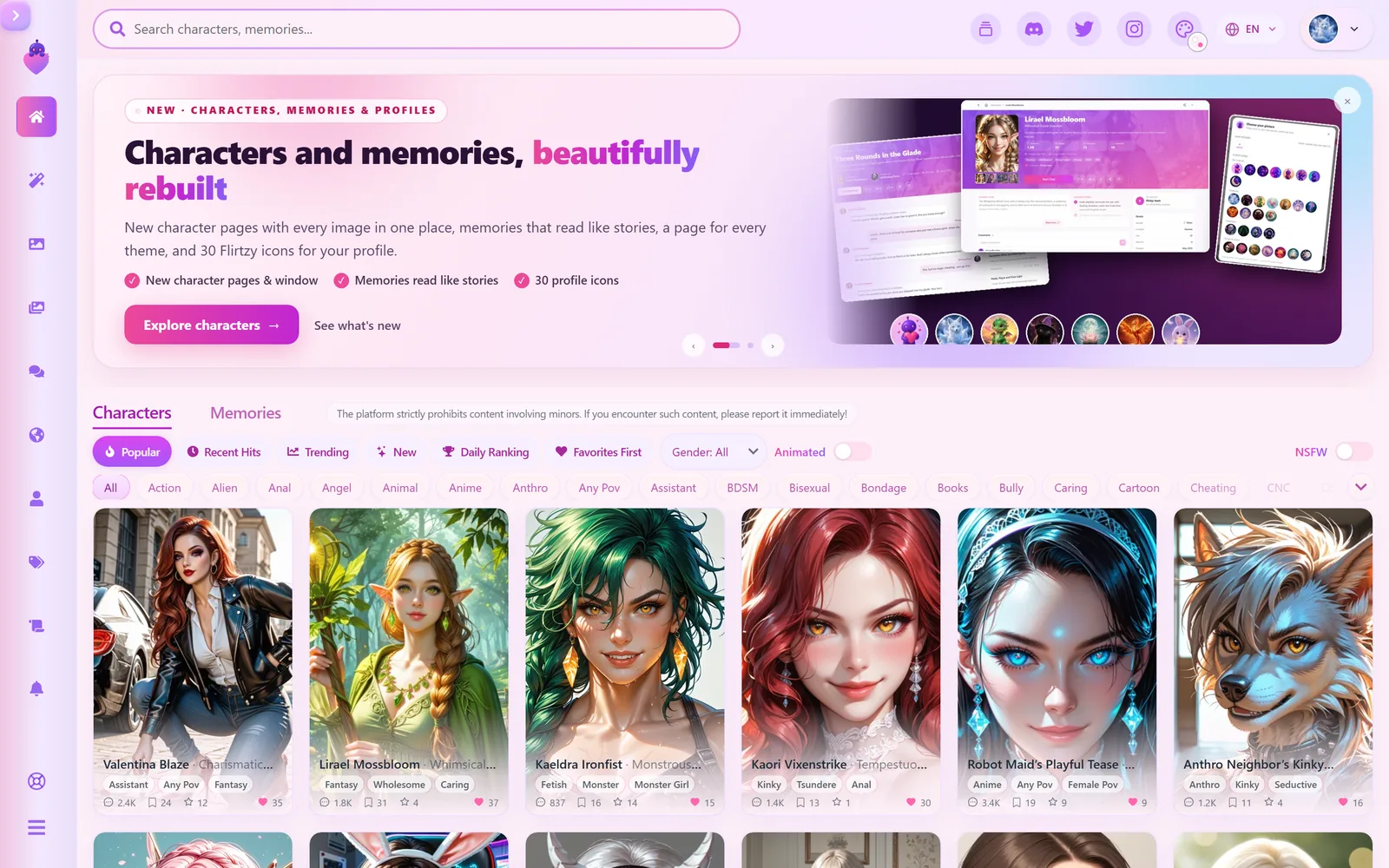
A cleaner sidebar and a new logo
The big mascot logo at the top of the sidebar drew more attention than anything else on the page. We replaced it with a compact logo that takes far less room, so the menu and your characters come first: a cleaner, more professional and content-focused look. There are two versions that take turns by day: our mascot holding the Flirtzy heart, and the heart with our name. Each one is drawn for every theme, and the mascot gives a little wave when you point at it.
- Menu rows have an even rhythm in every theme, and the active page is marked calmly instead of glowing.
- Help & support has its own row at the bottom, right above More.
- The collapse button is redrawn, and the folded sidebar shows the heart (with the mascot on its days).
- On laptop screens (1366 px and narrower) the sidebar starts folded until you open it; your choice is remembered.
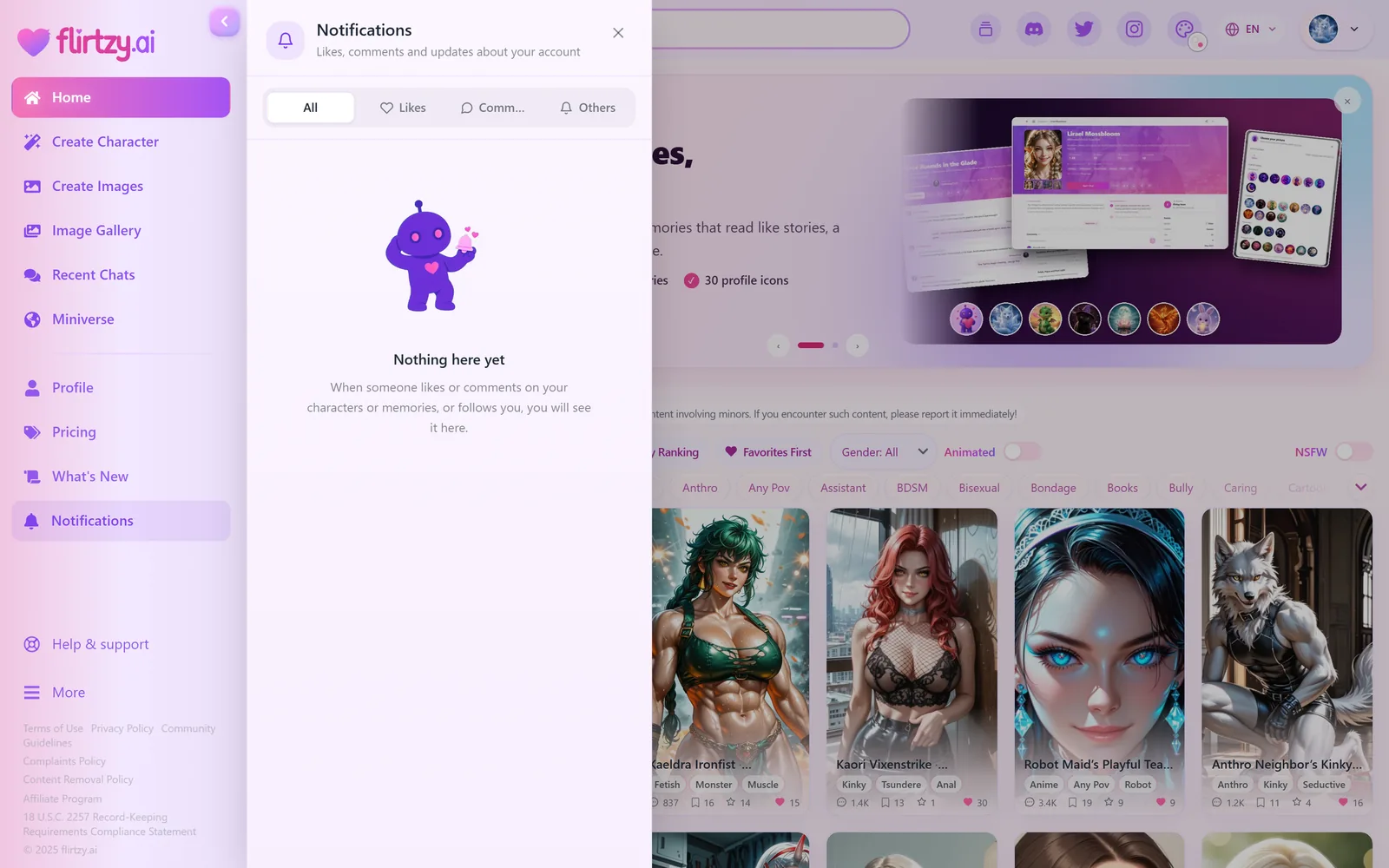
- Notifications open as a panel right next to the sidebar; a second click closes it.
03Search
Search that finds everything, while you type
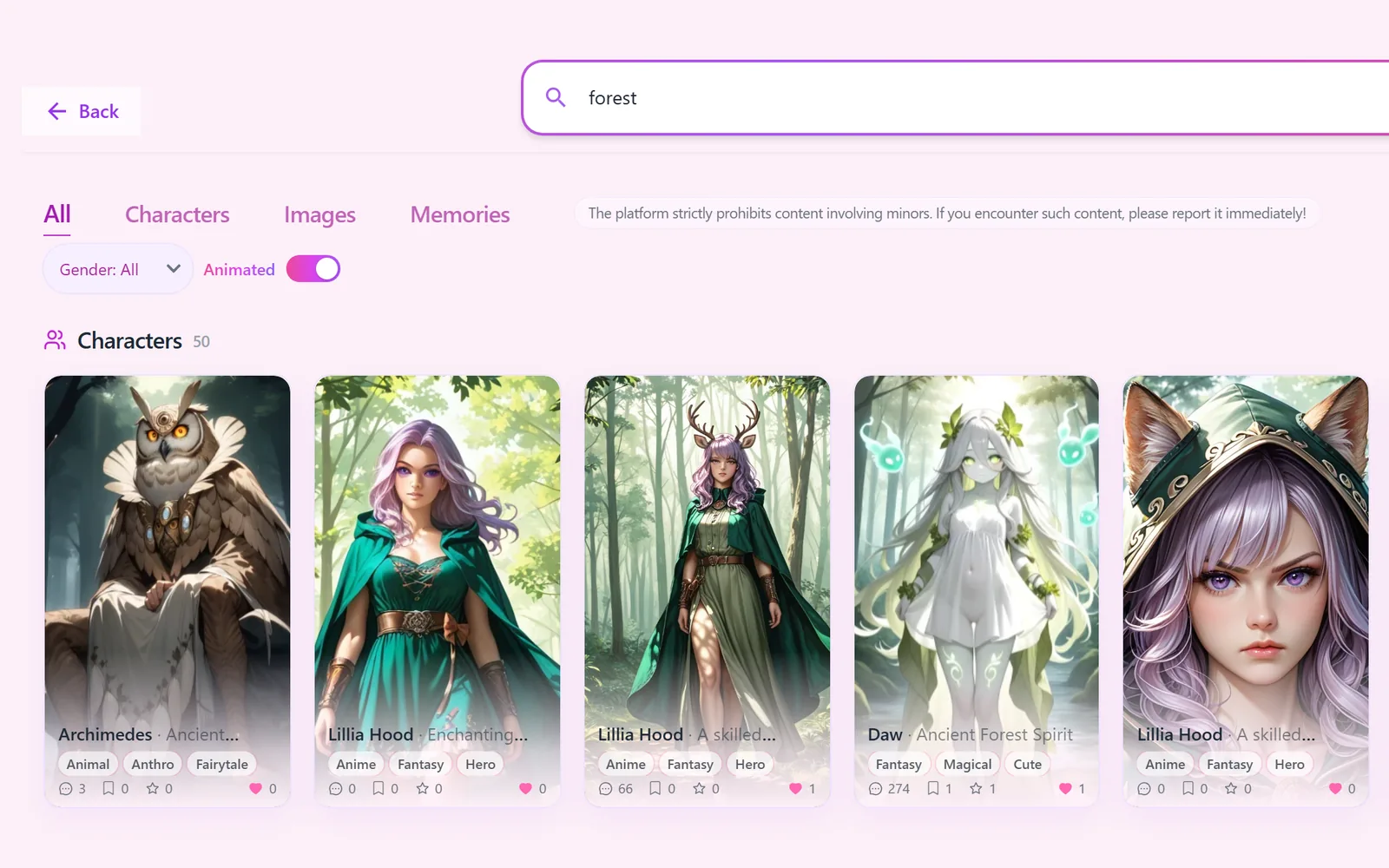
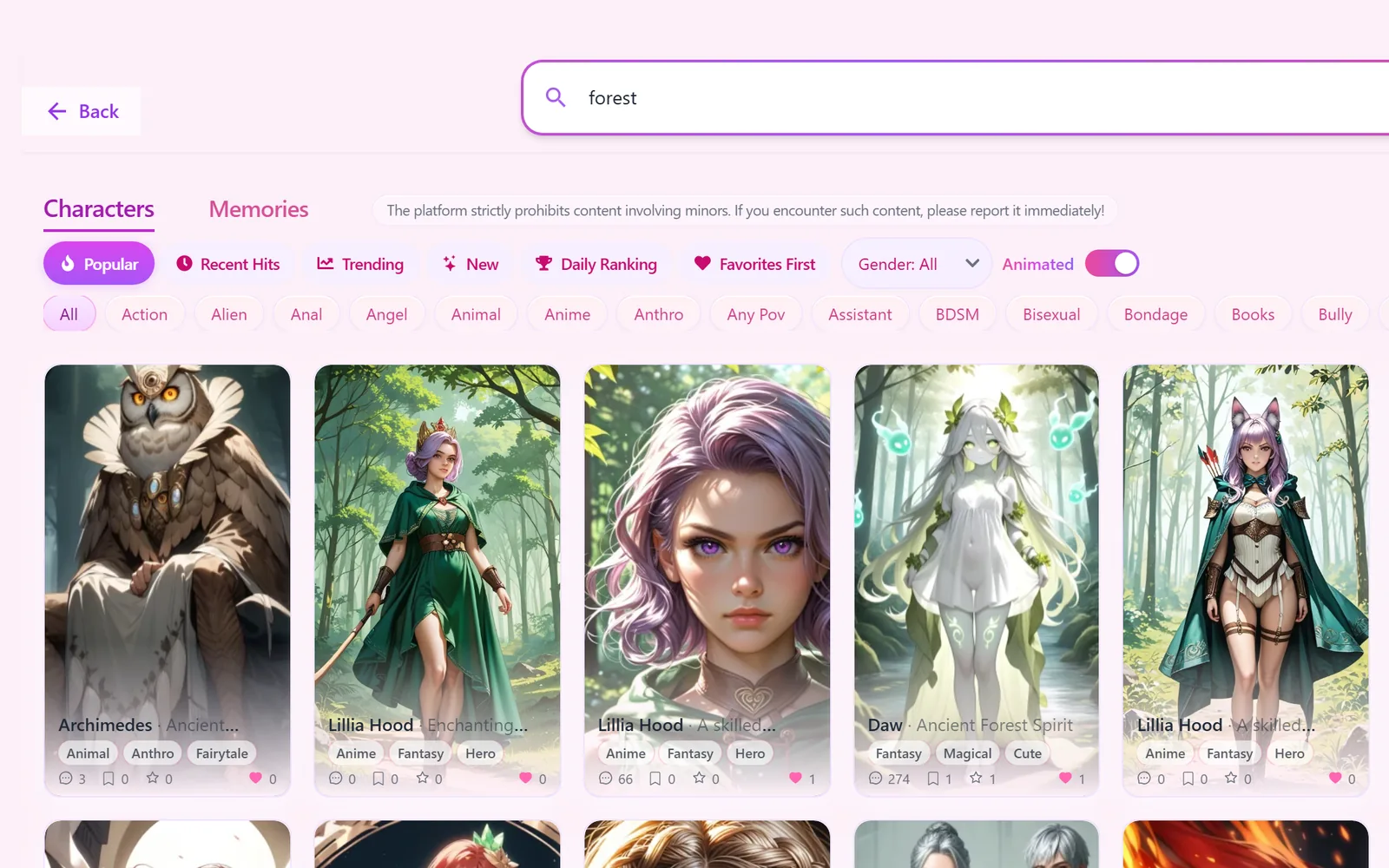
The search page was rebuilt from scratch. Images have their own tab now, next to Characters and Memories. And there's a new tab, All, the default: one search looks through characters, pictures and memories together, by name, story and scene text, and shows each section the moment it's ready, with See all to open its own tab. Results update as you type.
- NewPictures are searchable and open right in the picture window. They're found by their whole scene description, tags and style, not just a short title.
- NewCharacters are also found by their opening scene, story stages and picture descriptions ("nurse" now finds 3× as many characters).
- NewWhen a search runs out of direct matches, it continues with pictures of the matching characters and characters whose pictures match, each under its own heading.
- ImprovedMuch faster: a typical character search went from over 2 seconds to about half a second; picture searches from up to 12 seconds to about 2.
- FixedWords match from their start, so "elf" no longer finds every "herself" (1,041 results → the 70 that are actually elves).
- FixedMemory search really searches now. Before, it mostly ignored what you typed.
- NewMatches by meaning: now and then, when our own AI helper is free, it also reads what you meant, in any language, and adds a "Matches by meaning" row (a Turkish description can find English-titled pictures). When it's busy, search simply works as before.
04Creation
Create a character, redesigned
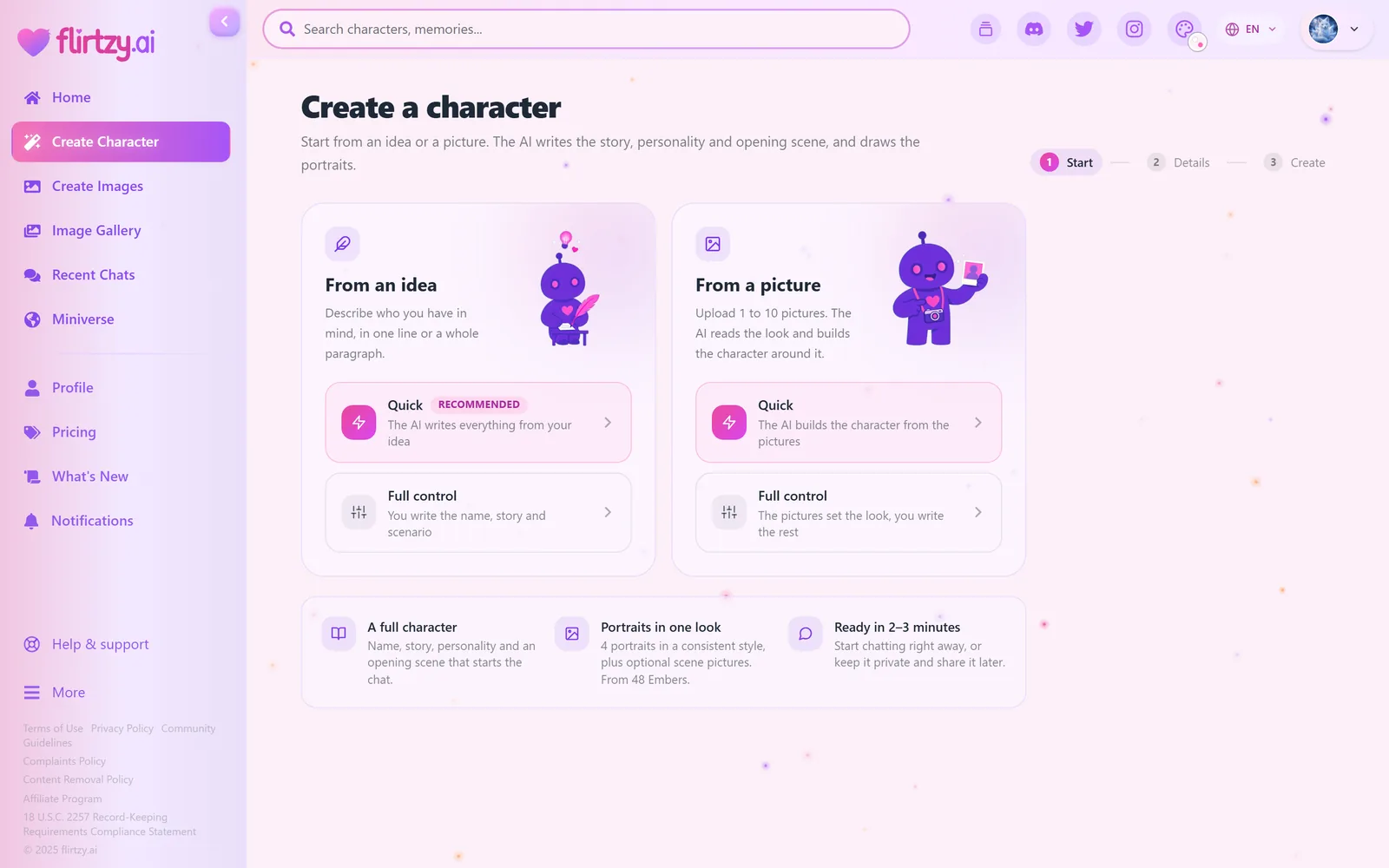
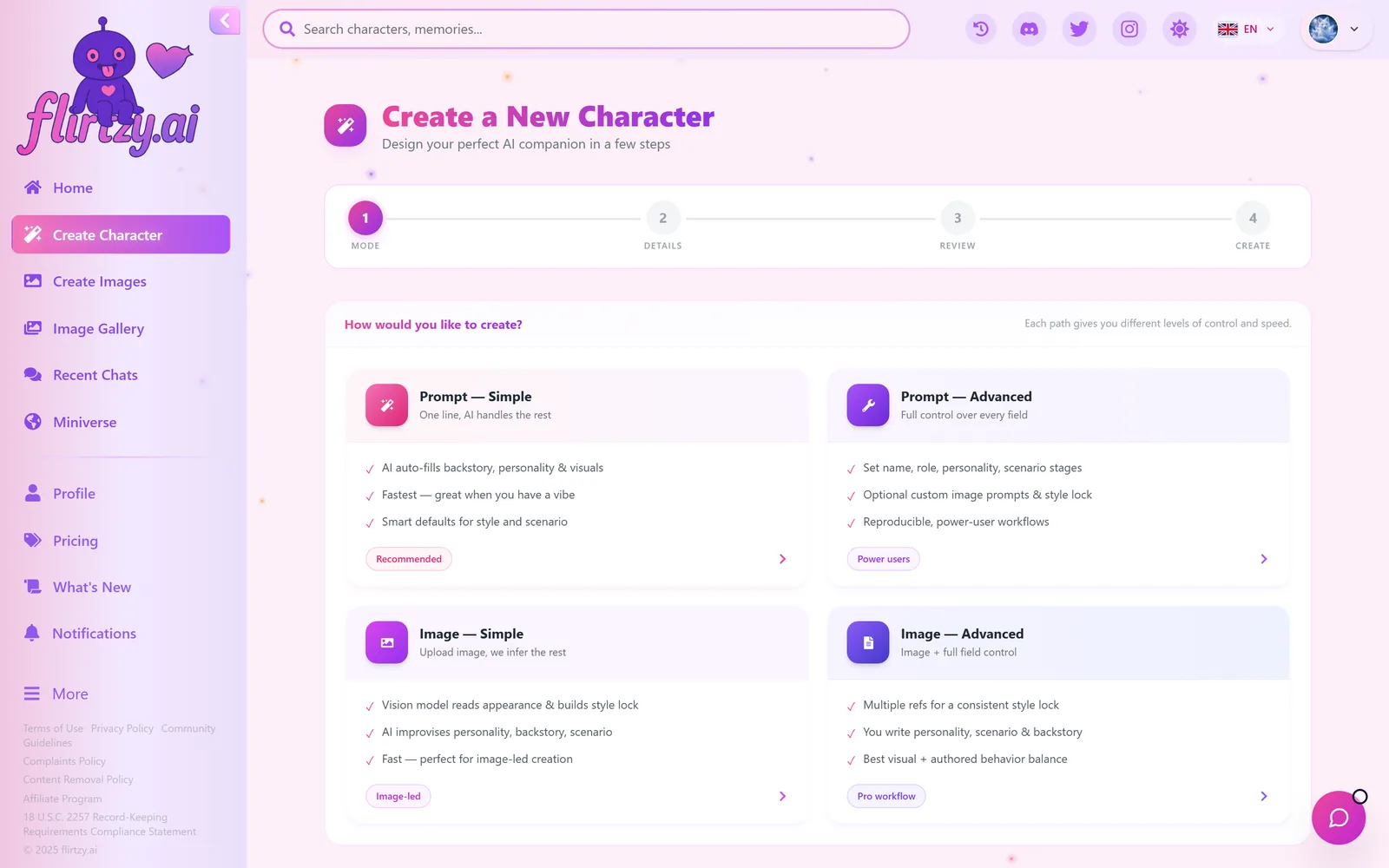
Creating a character used to mean four steps and four modes with technical names. Now it's three steps: start from an idea or a picture (quick, or with full control), fill in one details page, and watch your character being made.
- Quick modes now let you set the gender and, if you like, a name.
- Optional touches: personality, who they are to you, and the world they live in. Stuck? Try Surprise me.
- Art styles as picture tiles with their price, and scene pictures as a simple 0–4 choice.
- Choose who can see your character: public, unlisted or private.
- A progress view fills in each picture as it's drawn, and the finished view leads with Start chatting.
- Fixed: the adult-content switch is now respected in every mode (the quick modes used to ignore it), and a chosen gender is always kept.
- "Auto" art style no longer picks Flirtzy Real Pro (our most expensive style); choose it yourself whenever you want it.
Fresh names, not another Aria
When you let the AI pick a name, it used to land on the same few: Aria, Lily, Luna, Seraphina… (almost two in three characters shared their first name with at least four others). The creator now knows which names are already common on Flirtzy, avoids them and their look-alikes, and picks one that fits your character's background. Names you choose yourself are always kept as you wrote them.
05Languages
Every new character speaks your language
New characters are automatically translated into all 18 Flirtzy languages. Wherever a character appears (cards, the character page and window, search, profiles, the chat, memories and similar characters) you see it in your language, and a new chat starts with the opening scene in your language too. Older characters stay in their original language. When you edit your public character, it's translated again, but only the parts you changed. The Save button shows what saving costs, usually 1–4 Embers for the safety check and the translations (before, a save was always 1 Ember).
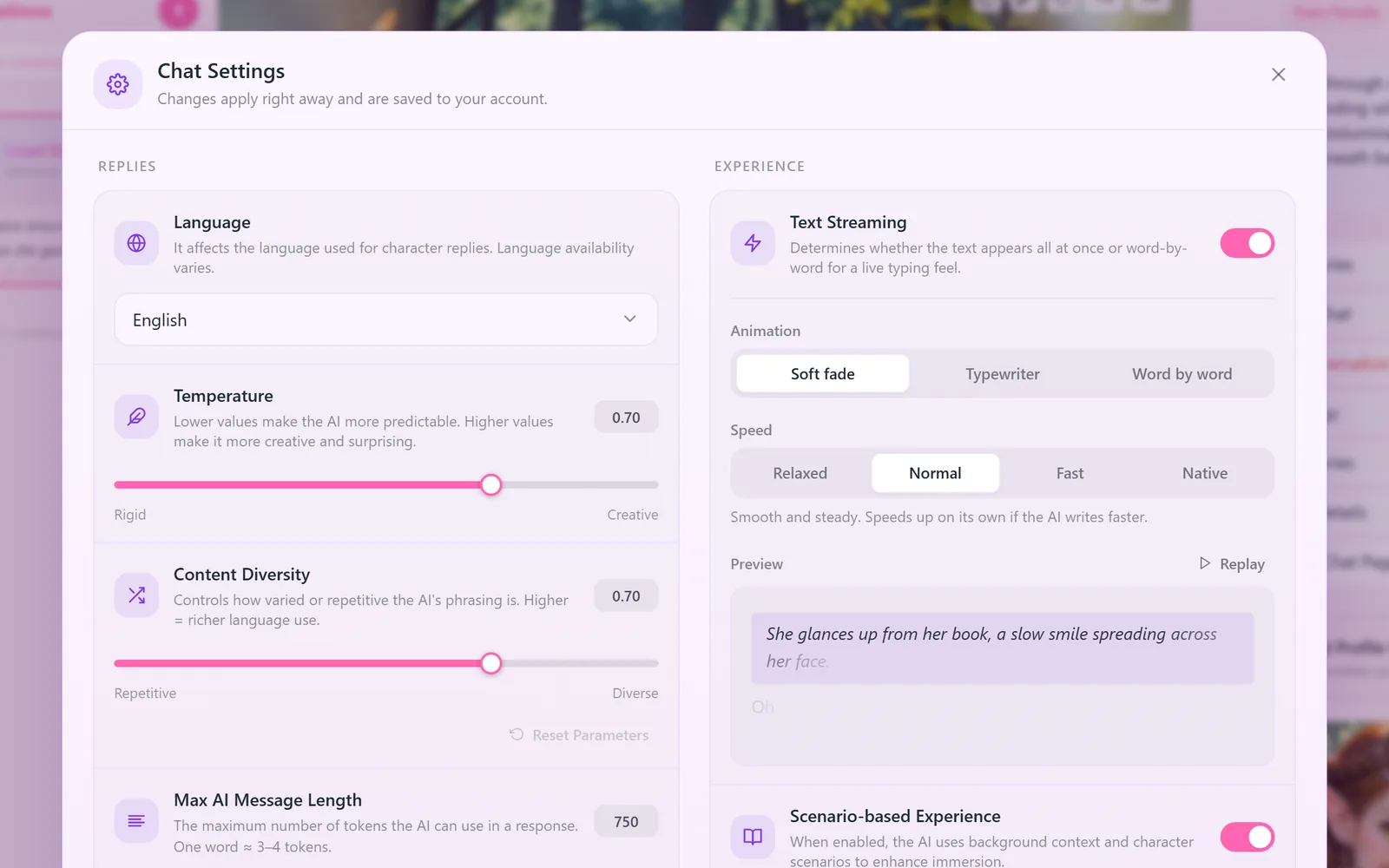
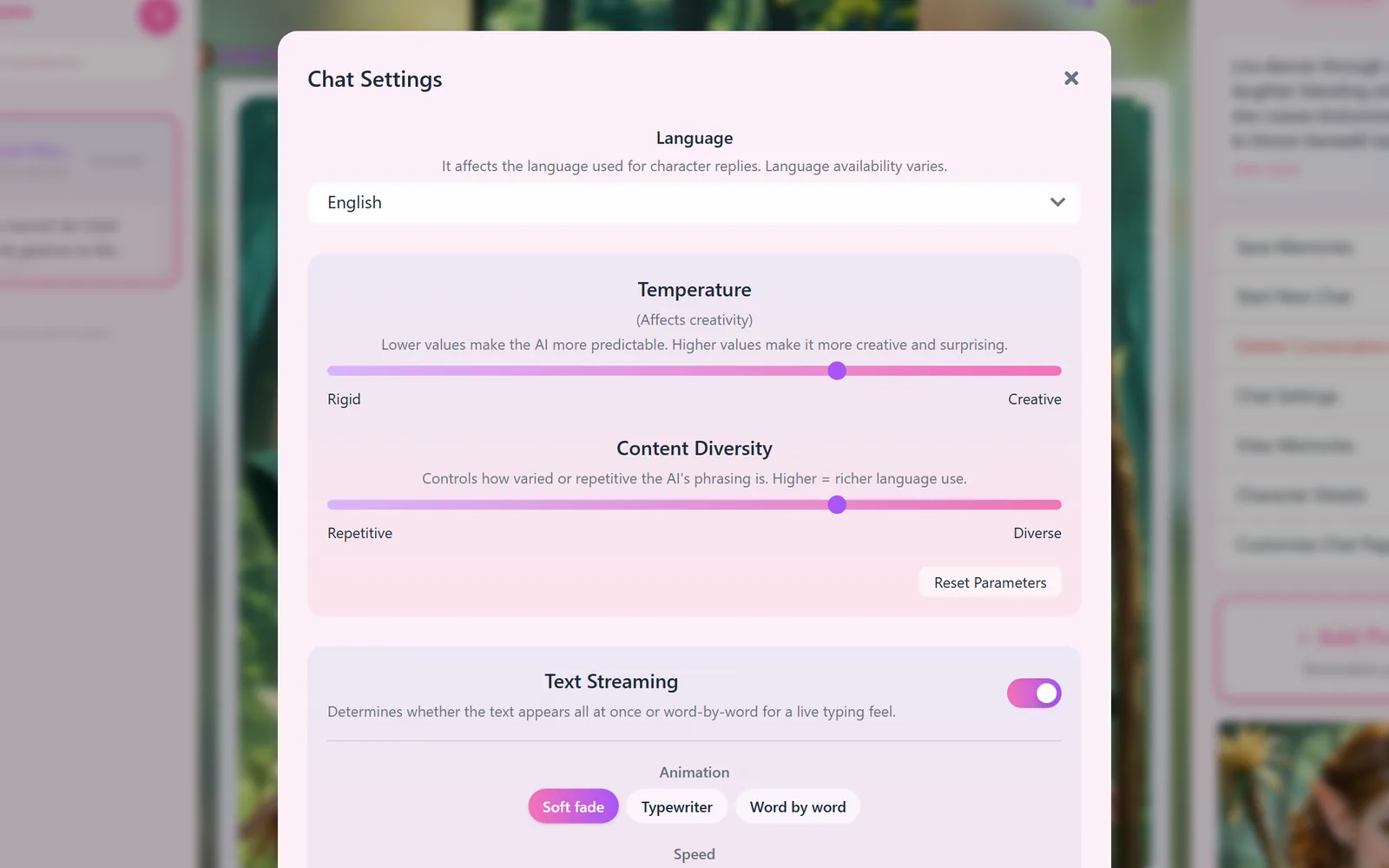
Characters now answer in the language you write in: the dialogue, the scene descriptions and the actions, not only the spoken lines. Switch language mid-chat and the character switches with you from that message on; a single foreign word or a playful line in another language doesn't change the language of the chat. Before, many chats drifted back to English narration even when you wrote in your own language.
06Chat
A faster, roomier chat
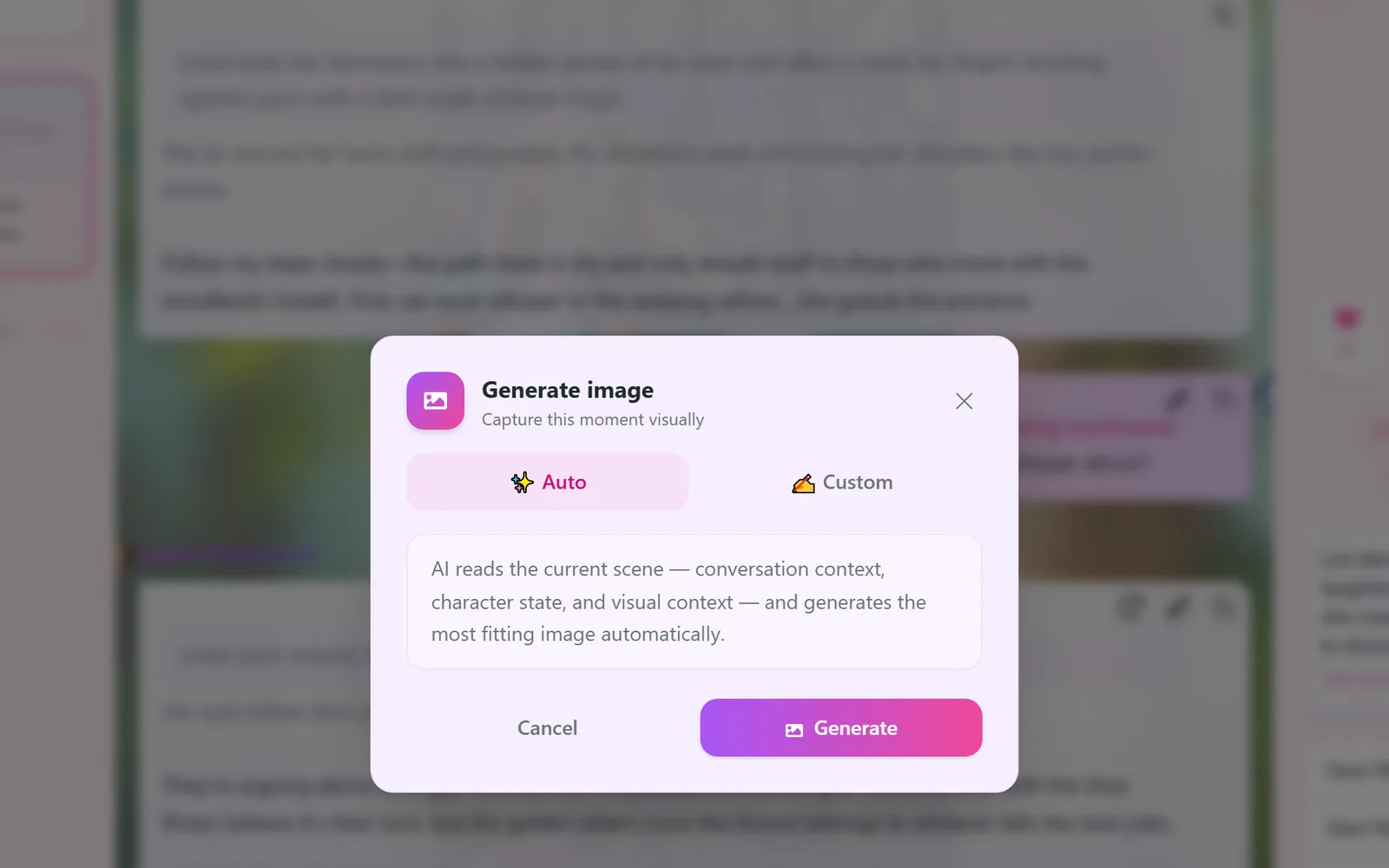
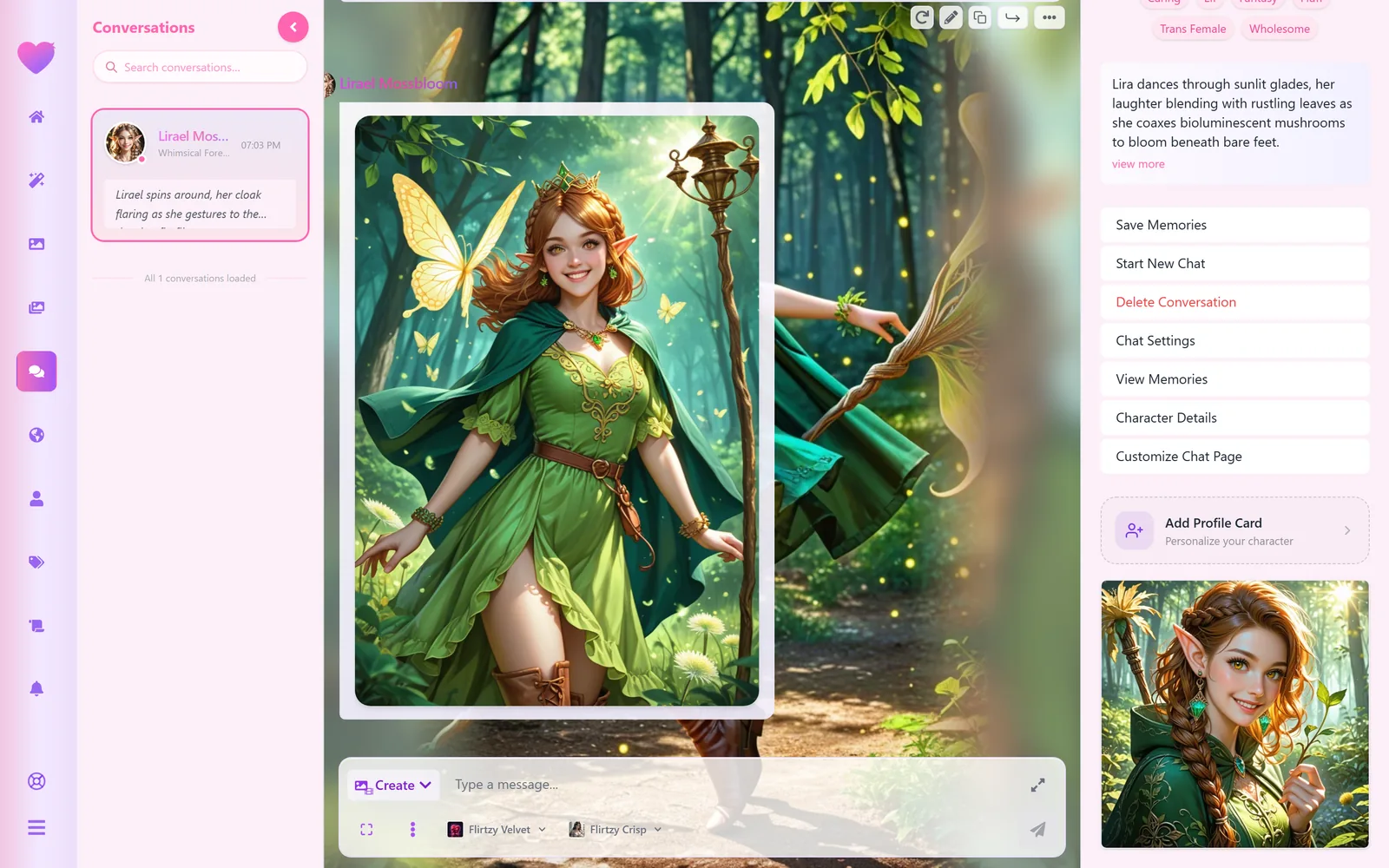
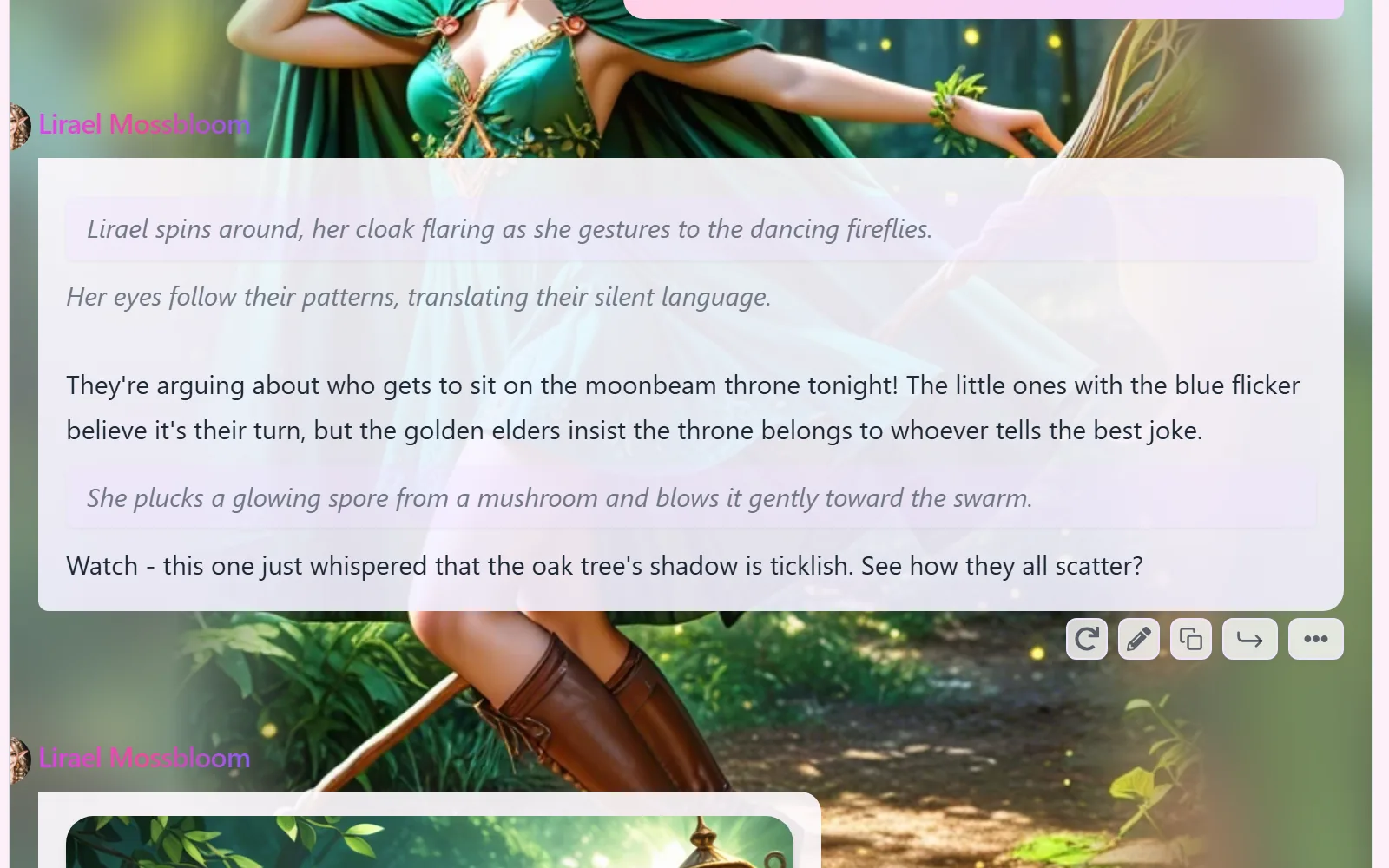
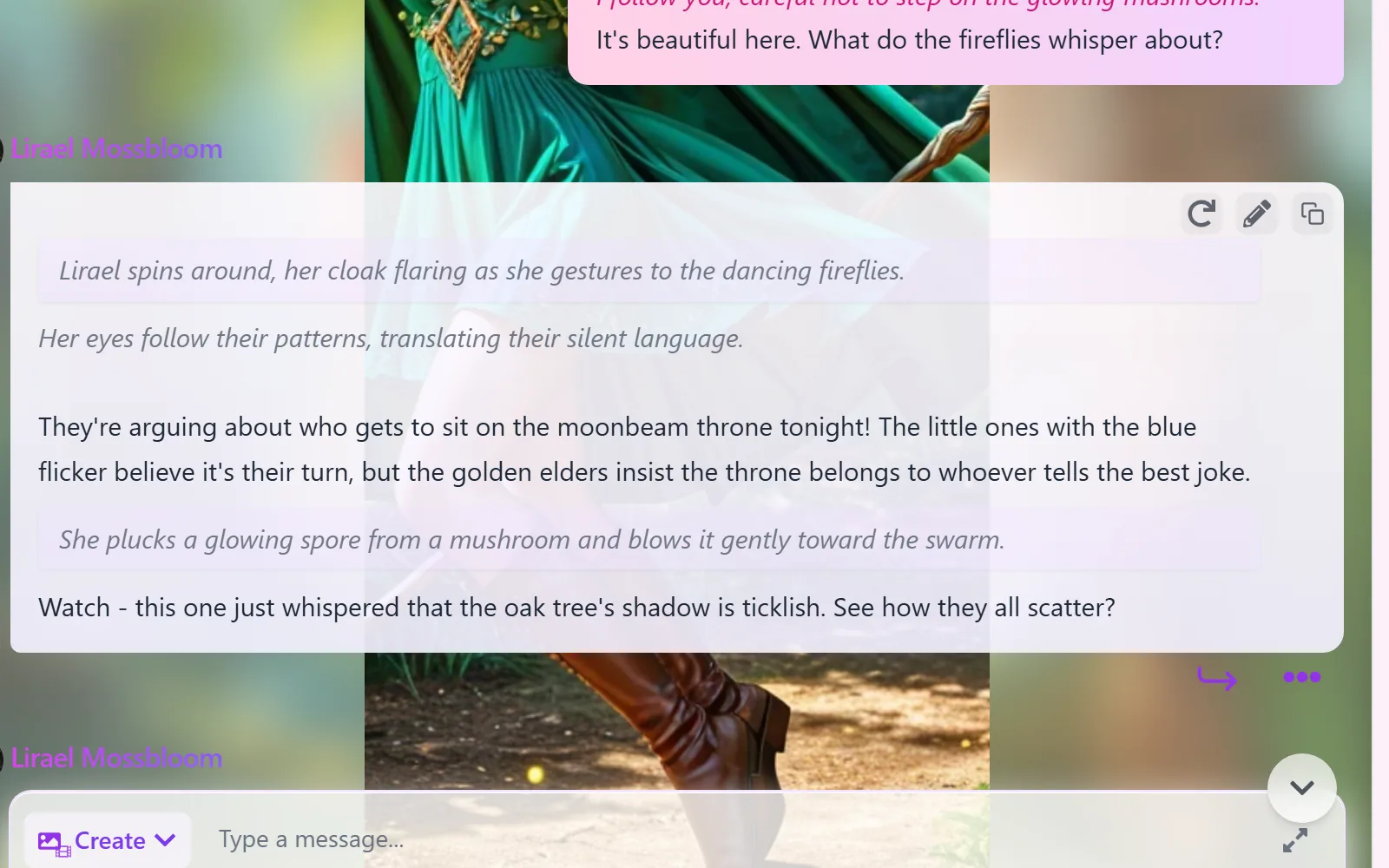
Chat pictures now arrive in about 16–18 seconds instead of 35–44. While you wait, a progress card shows each step (reading the scene, describing the picture, painting, final touches) with the time left and your place in line when it's busy, and our mascot dances along. Before, you only saw a blank "generating" box, and with a long wait it was hard to tell whether something had got stuck.
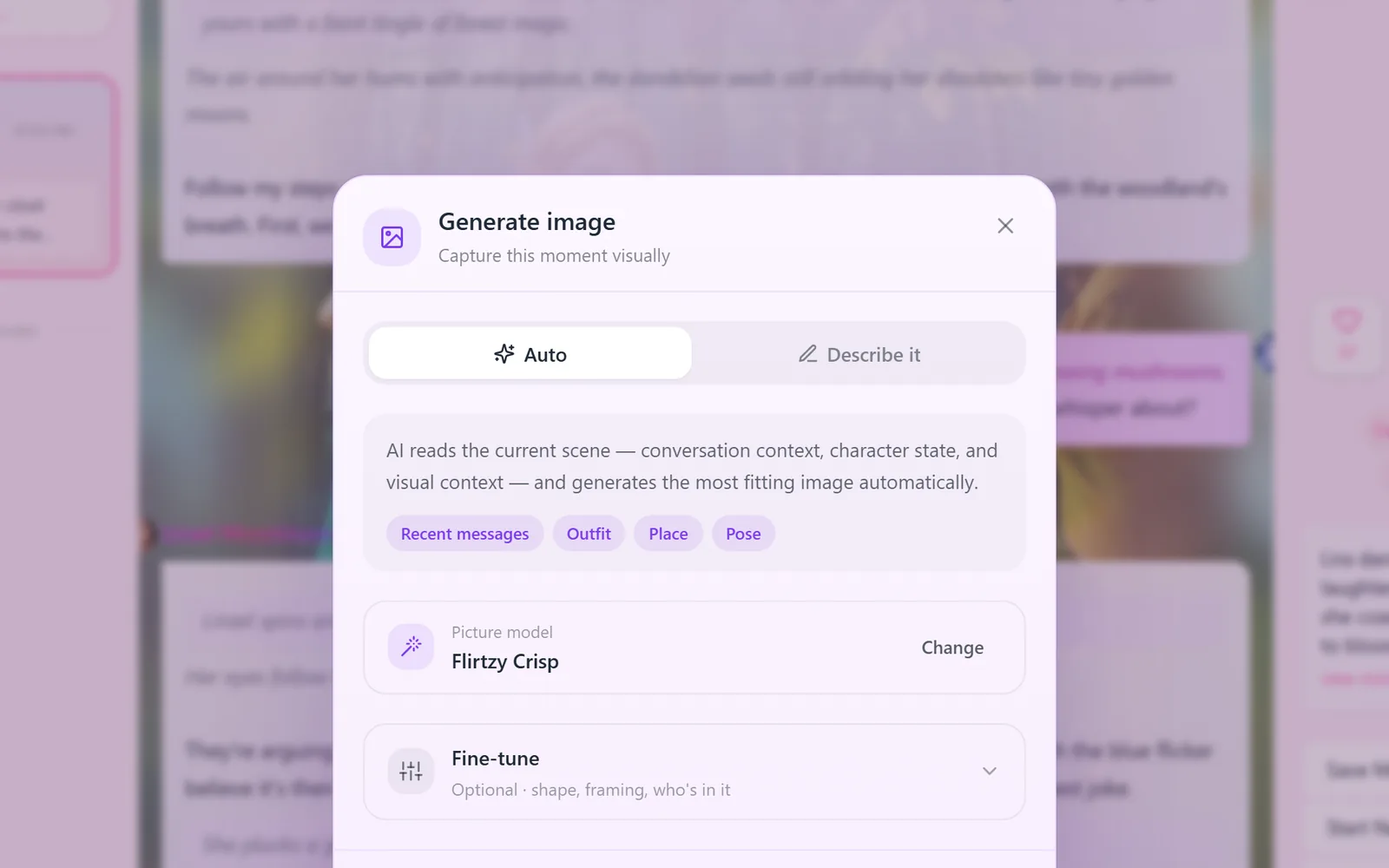
Open Fine-tune to choose the picture's shape (portrait, landscape or square), the framing (close-up, waist up, full body), who is in it and what to keep out.
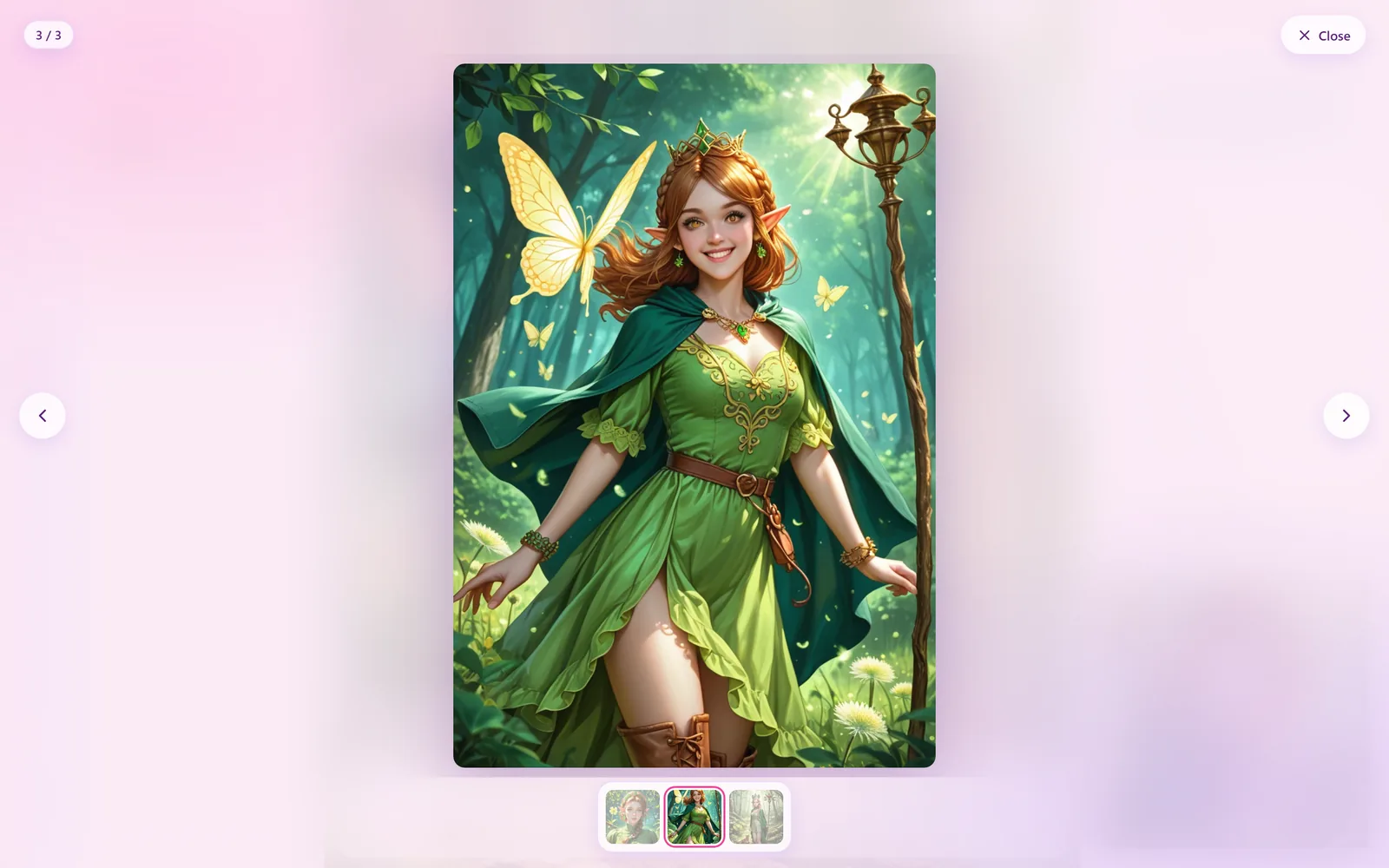
In the viewer, click or tap any spot to zoom right there, move to look around (every edge is reachable), and click again or press Escape to zoom out.
Tap for a card. In a chat, tap the character's name or picture for a small card with their numbers, story and tags; tap a tag for the most popular characters with it; tap your own picture to jump to your profile. Each card links to the full page.
On a long message whose bottom is off screen, copy and edit also appear above it, so you never have to scroll to reach them.
- NewShare a memory picture in any of the four themes, following the chat's formatting.
- ImprovedThe chat background blends into the dark themes, the date divider and the opening card follow each theme, like / favourite / bookmark look like real buttons, and the little emoji in the chat became clean icons.
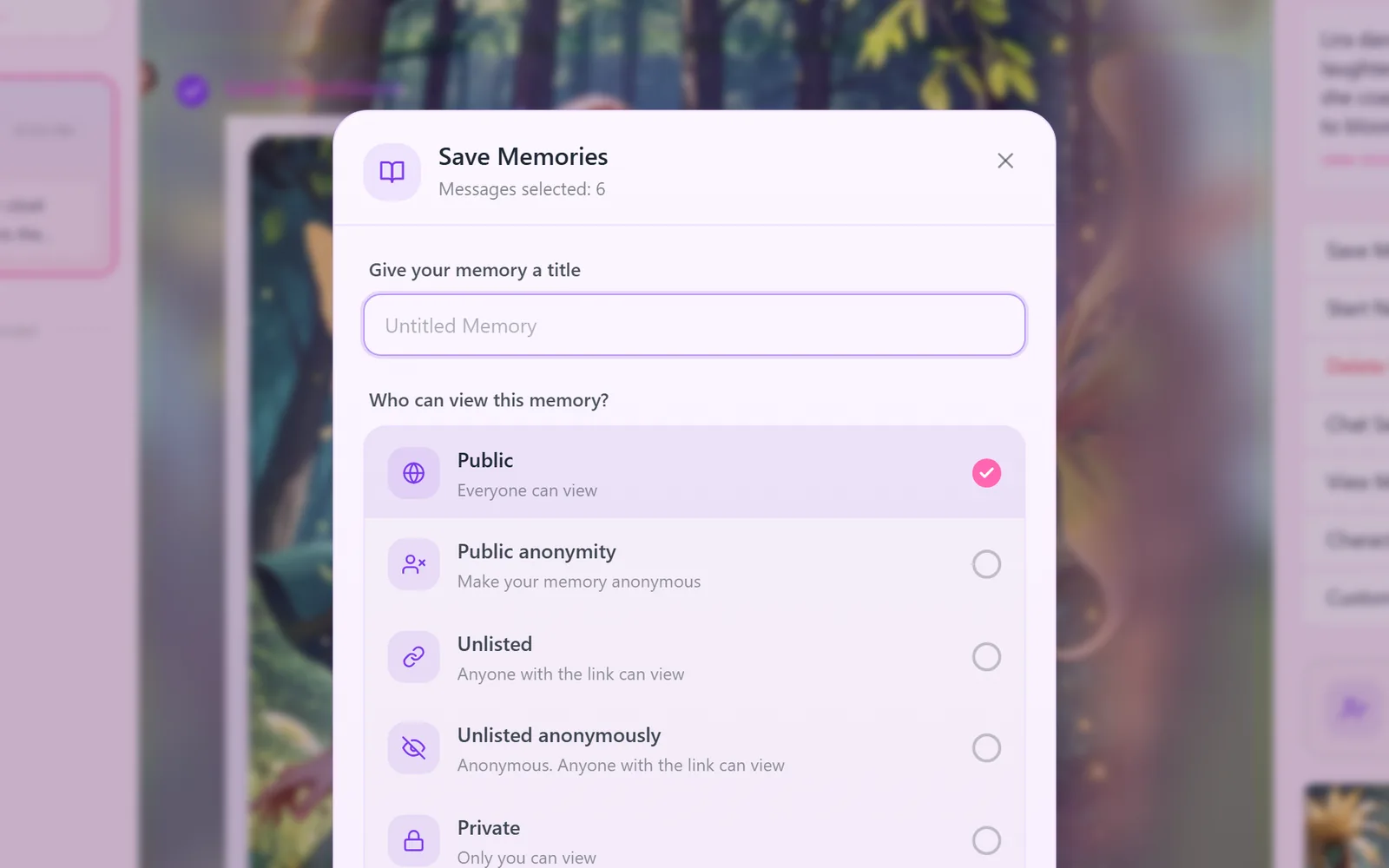
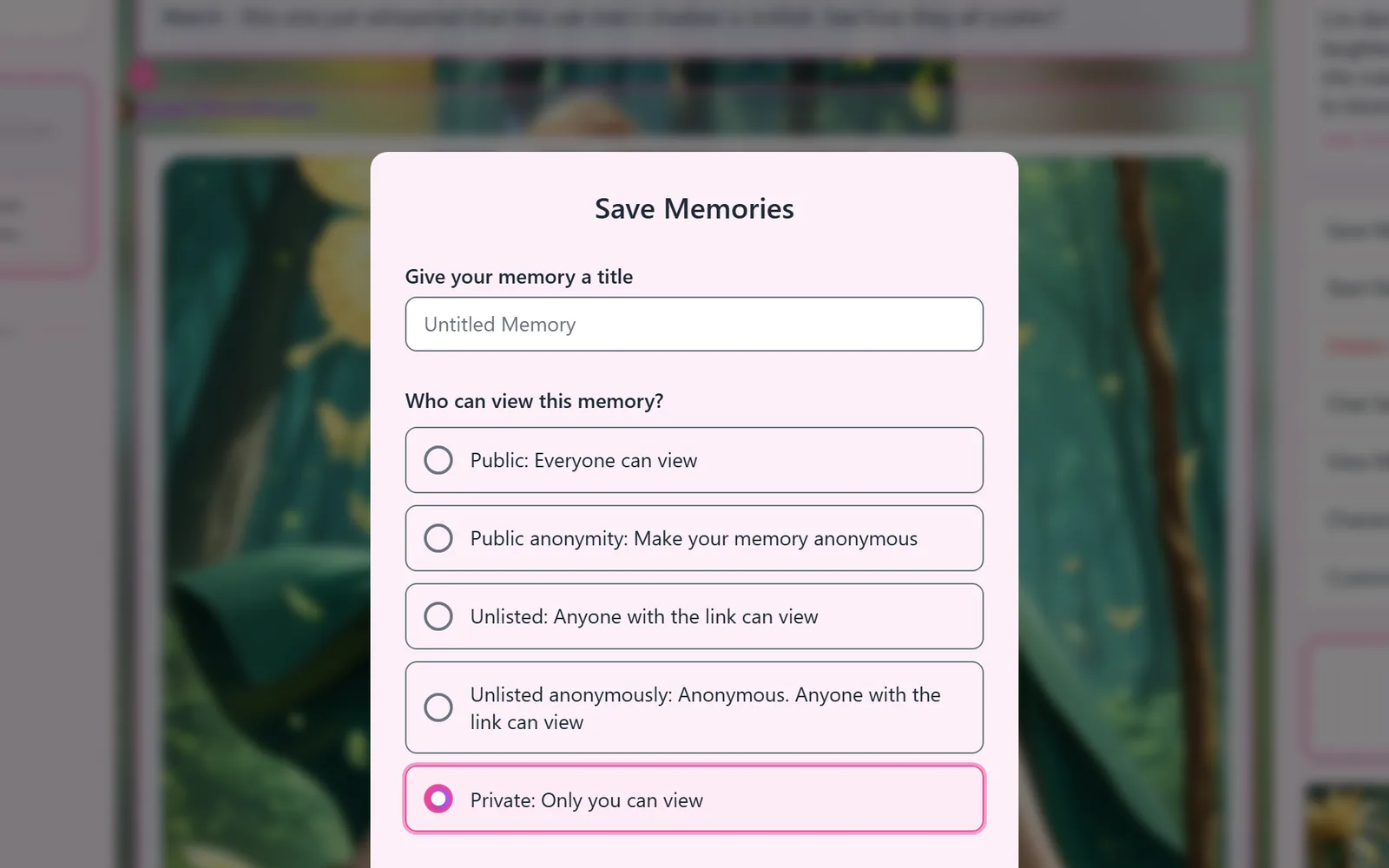
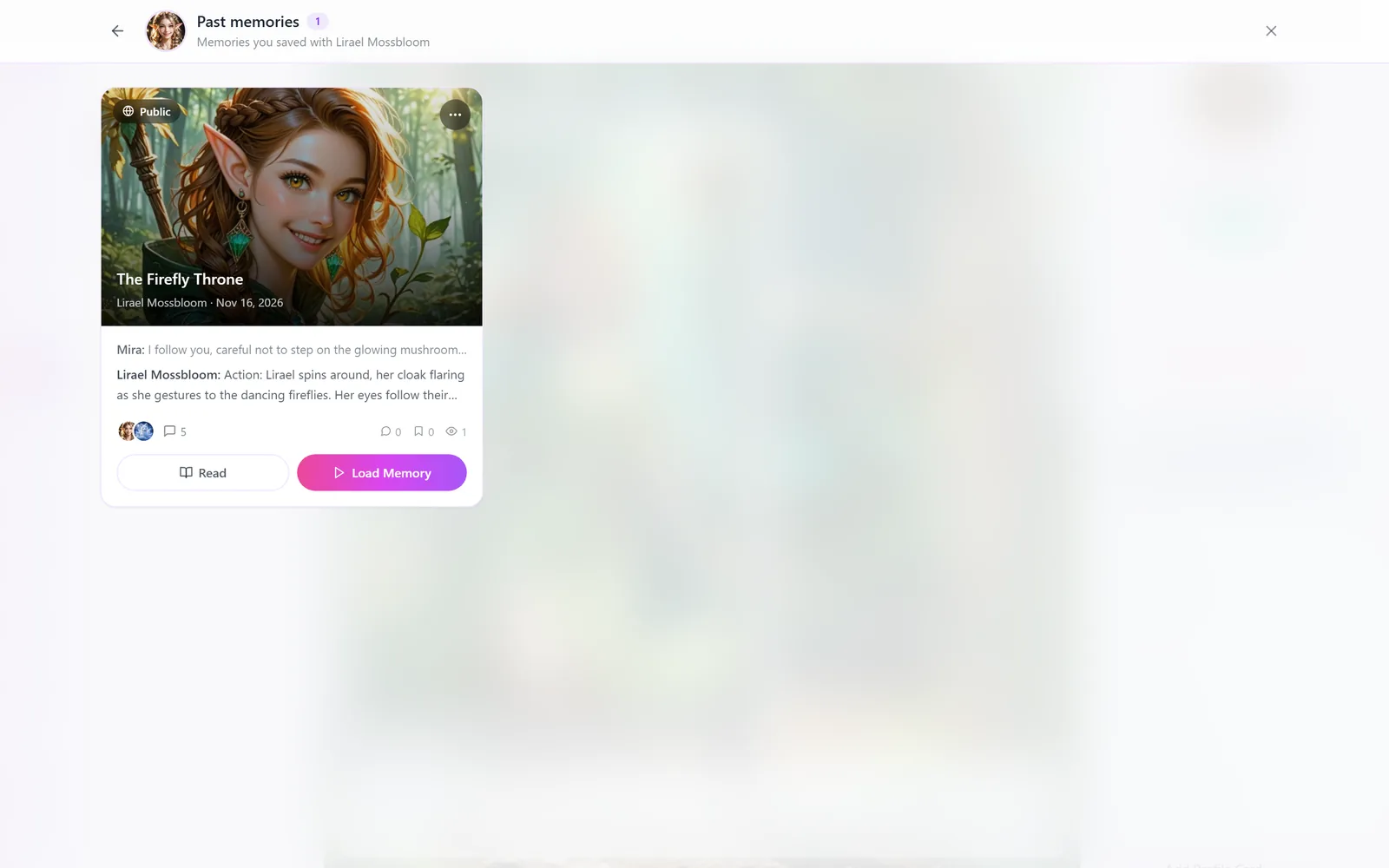
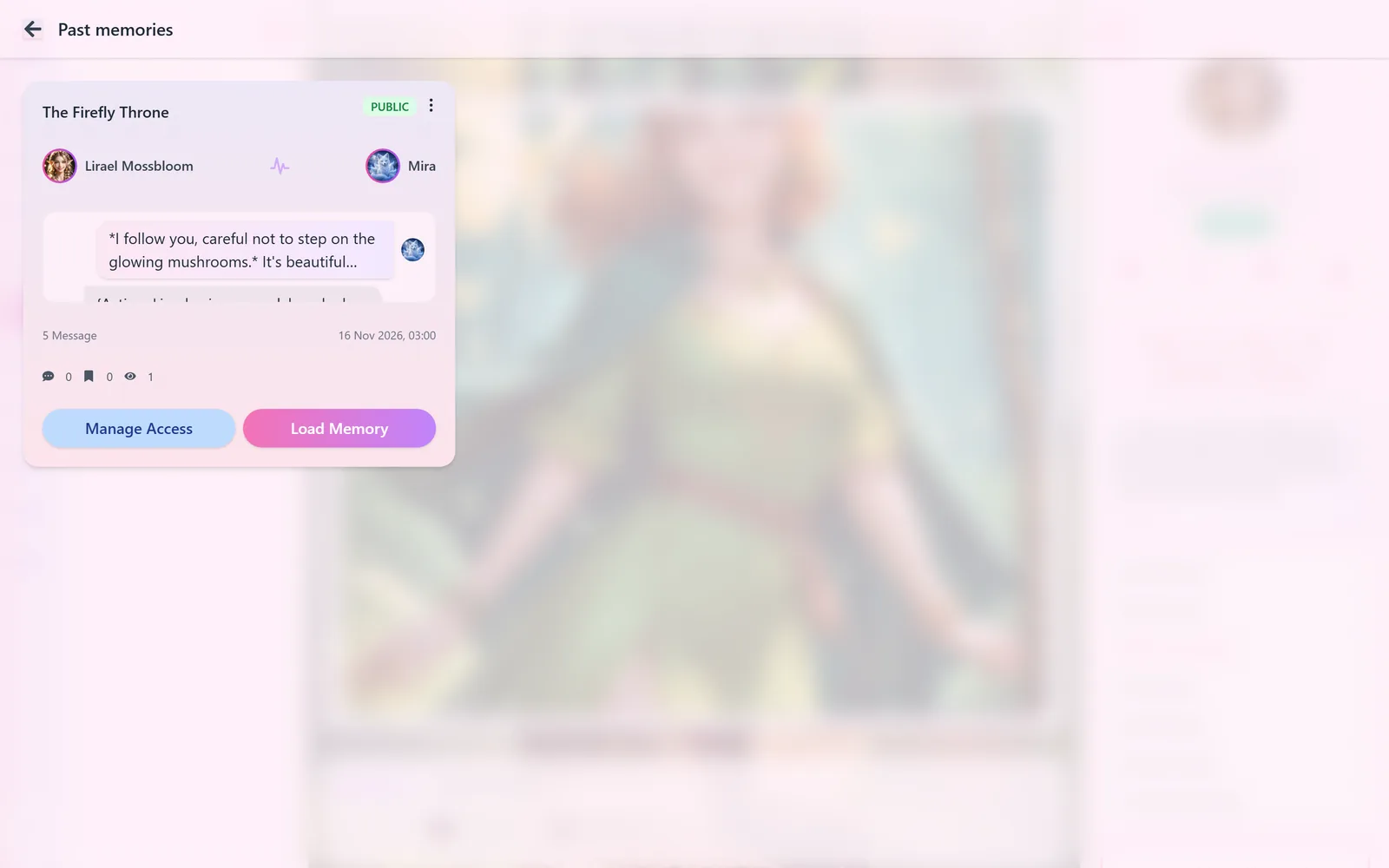
- ImprovedSaving a memory now starts on Public (it used to start on Private) because we'd love to see more memories shared. Choosing Private is still one tap.
- ImprovedRegenerating a reply no longer covers the message with a grey box and a spinner: the old text fades back, a soft light passes over it in your theme's colours, and a small card with our mascot reading along says what's happening.
- ImprovedSharing a memory as a picture now works the same everywhere, including the memory page: pick any of the four themes, and a progress bar shows while the picture is being drawn (before, the memory page made a pale picture with dark bubbles).
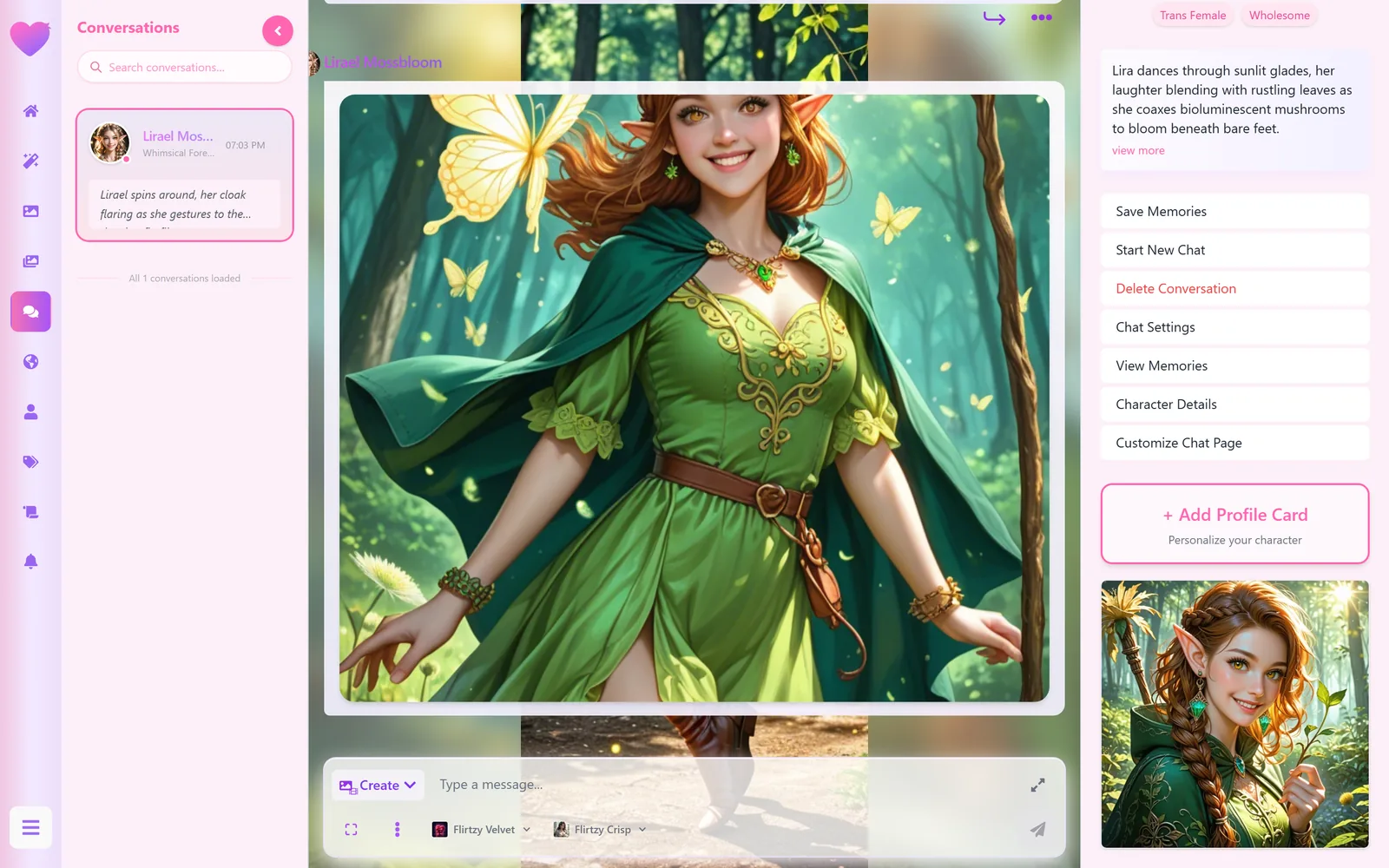
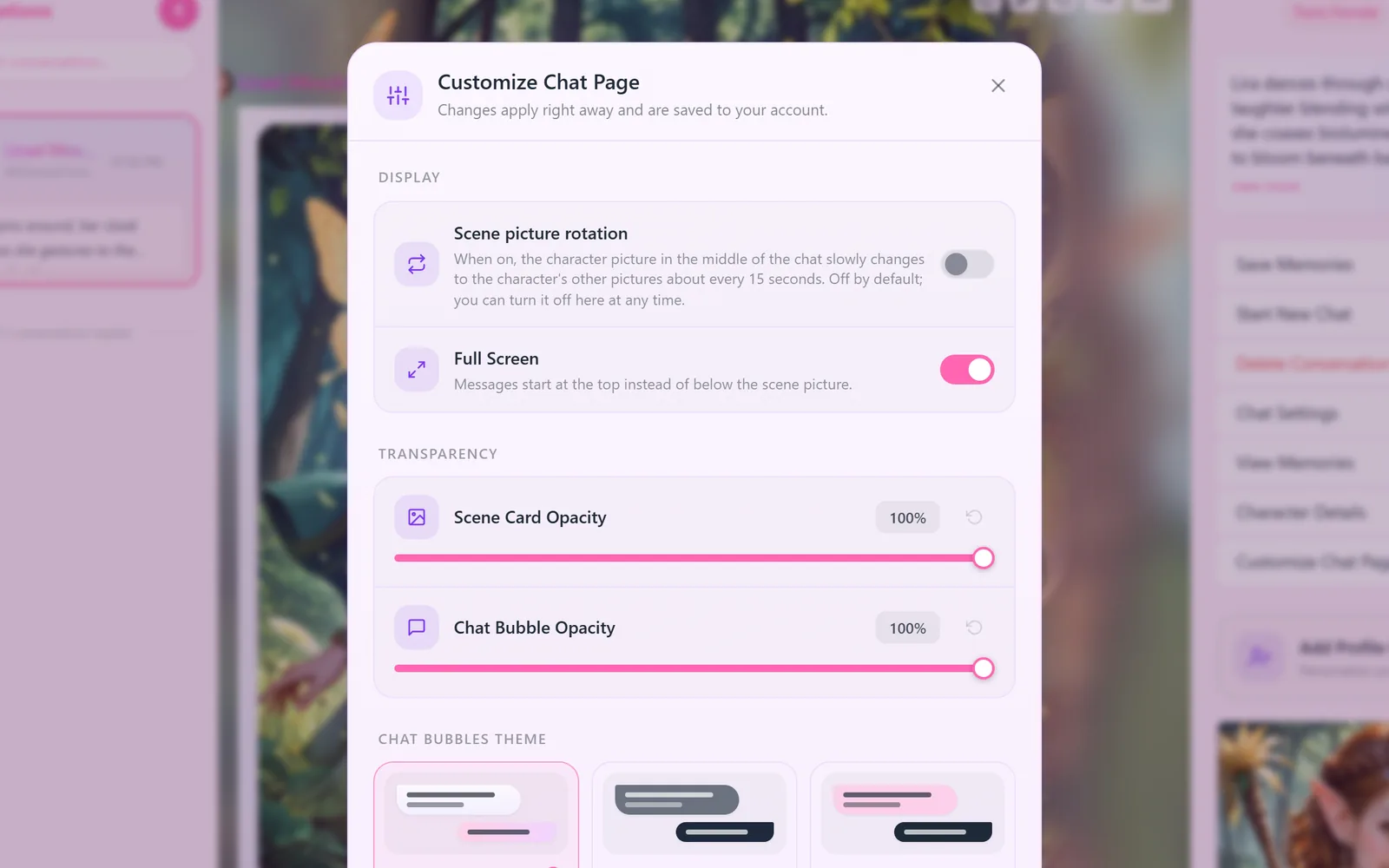
- ImprovedThe character picture in the middle of the chat keeps its natural width with soft edges and is dimmed a little on dark themes so the messages lead.
- ImprovedScene picture rotation (formerly "Animated") now actually works: it slowly cross-fades through the character's pictures. It's off by default.
- FixedA regenerated reply no longer appears twice while it's being written.
- FixedA picture you asked for and then kept chatting no longer jumps under your newer messages or leaves a "generating" card stuck.
- FixedOld chats with removed pictures load normally instead of hanging on a "generating" plate.
- FixedActions written as bare {…} and single words in stars no longer break messages, and characters stop copying those slips.
- Fixed"View memories" in a chat now lists all your memories with that character; it used to look only at your 12 newest memories overall.
- FixedThe × on confirmation windows works everywhere (it did nothing in several places).
- FixedBroken profile pictures show the default picture, and a picture that fails to load is retried instead of showing a broken icon.
- FixedThe chat's side panel no longer shows on top of the picture and video windows; in the viewer the arrow keys no longer jump back after you pick a thumbnail.
07Chat videos
Videos: almost twice as fast, and you always know where they are
Videos were the worst for this: a scene video took about 95 seconds behind a plain box, and when you brought a picture to life, the "animating" sign vanished after a second and nothing showed until the video came, so many people thought it had broken. Now a scene video takes about 55 seconds, and it gets the same live progress card: writing the scene, drawing the first frame, planning the motion, making the video, final touches, with the time left.
- NewBring a picture to life shows the card right on that picture until the video arrives.
- NewChoose your video's shape (Auto, Portrait, Landscape, Square), like pictures. The card has that shape from the first second, and your choice is remembered.
- ImprovedReloading the page keeps the card where it was, with the right shape.
- FixedIf a video fails, the card says so and your Embers are not spent.
- FixedThe "smooth to 30 fps" switch in the video window is drawn correctly again.
08Profiles
Profiles that show who people are
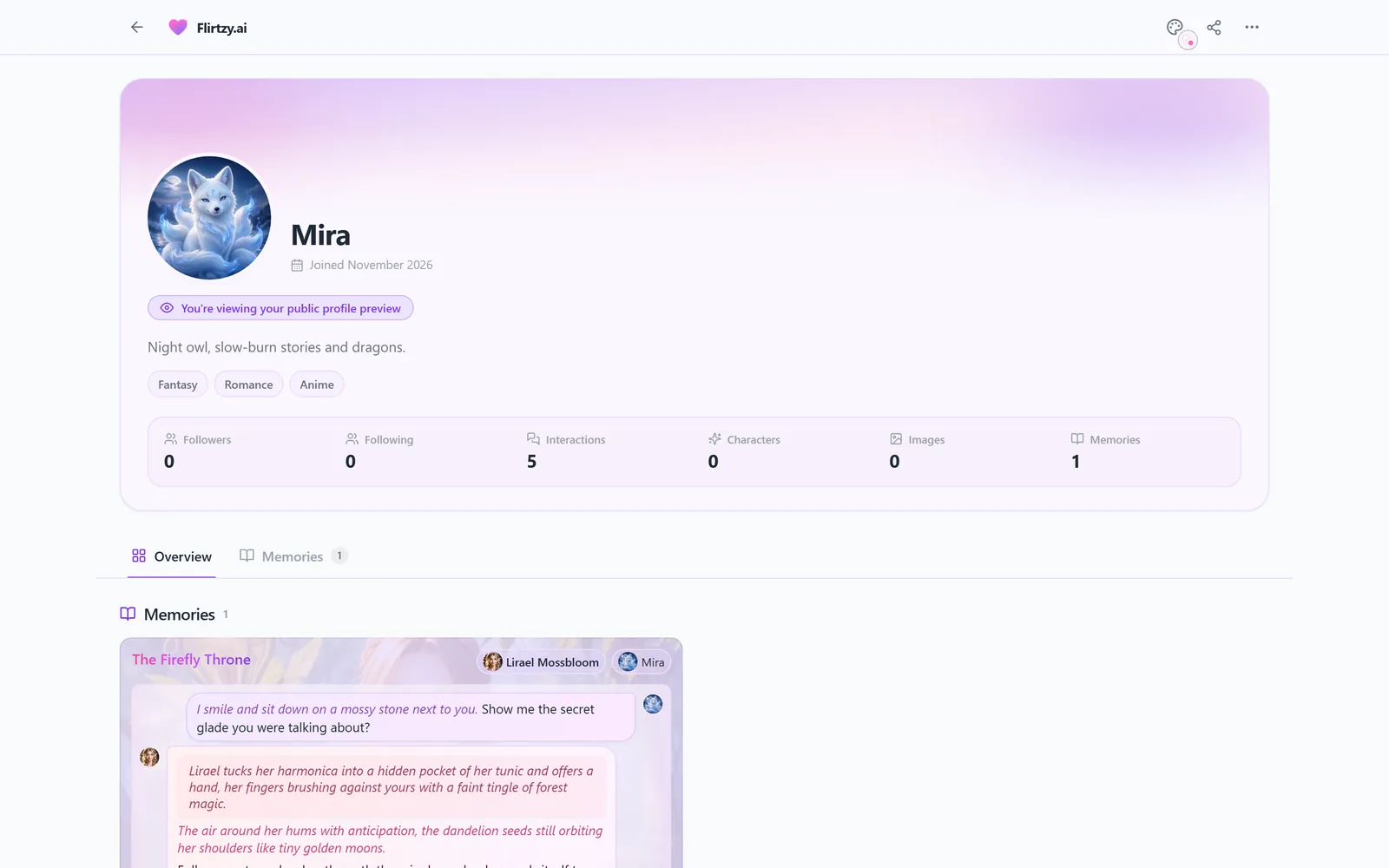
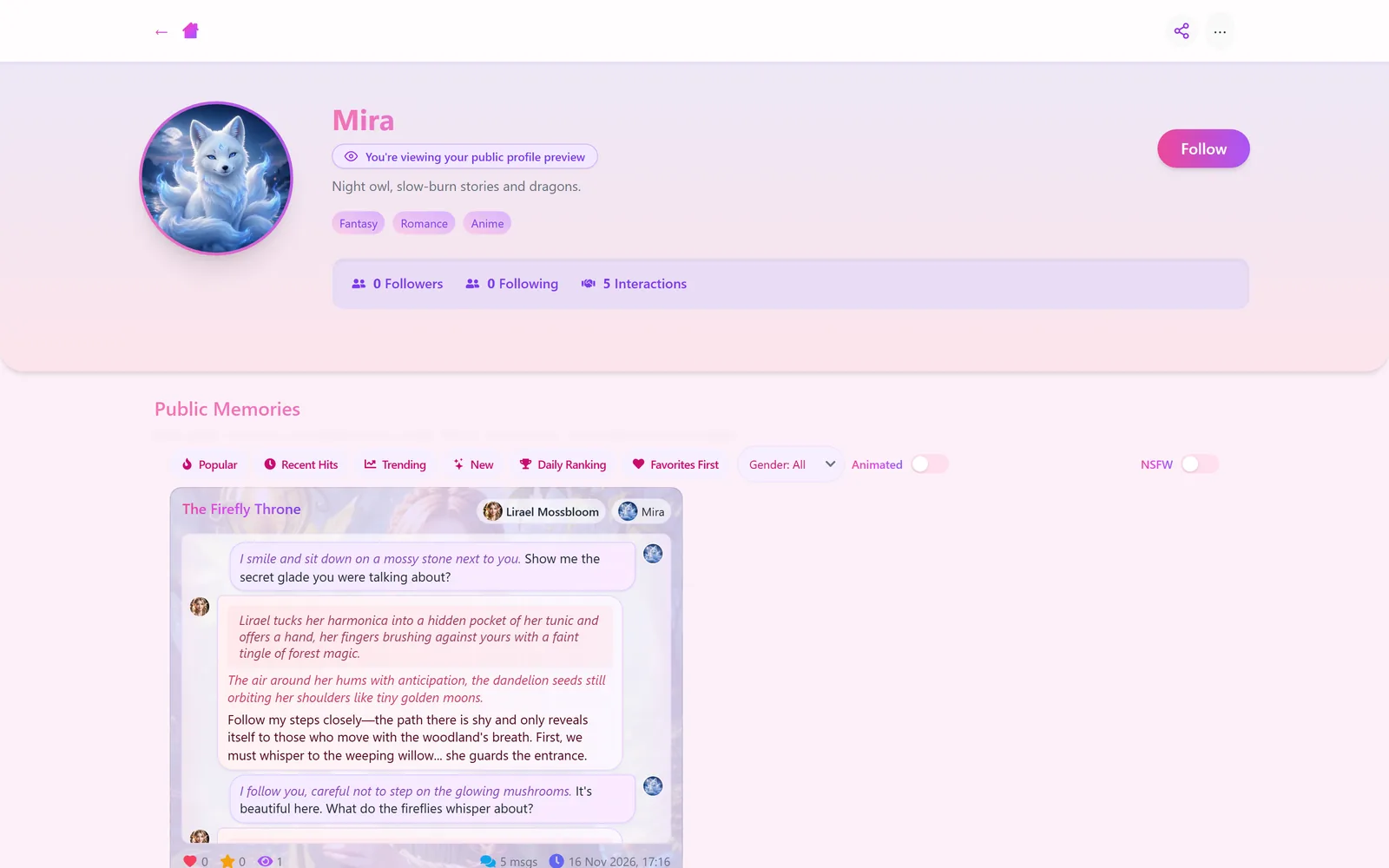
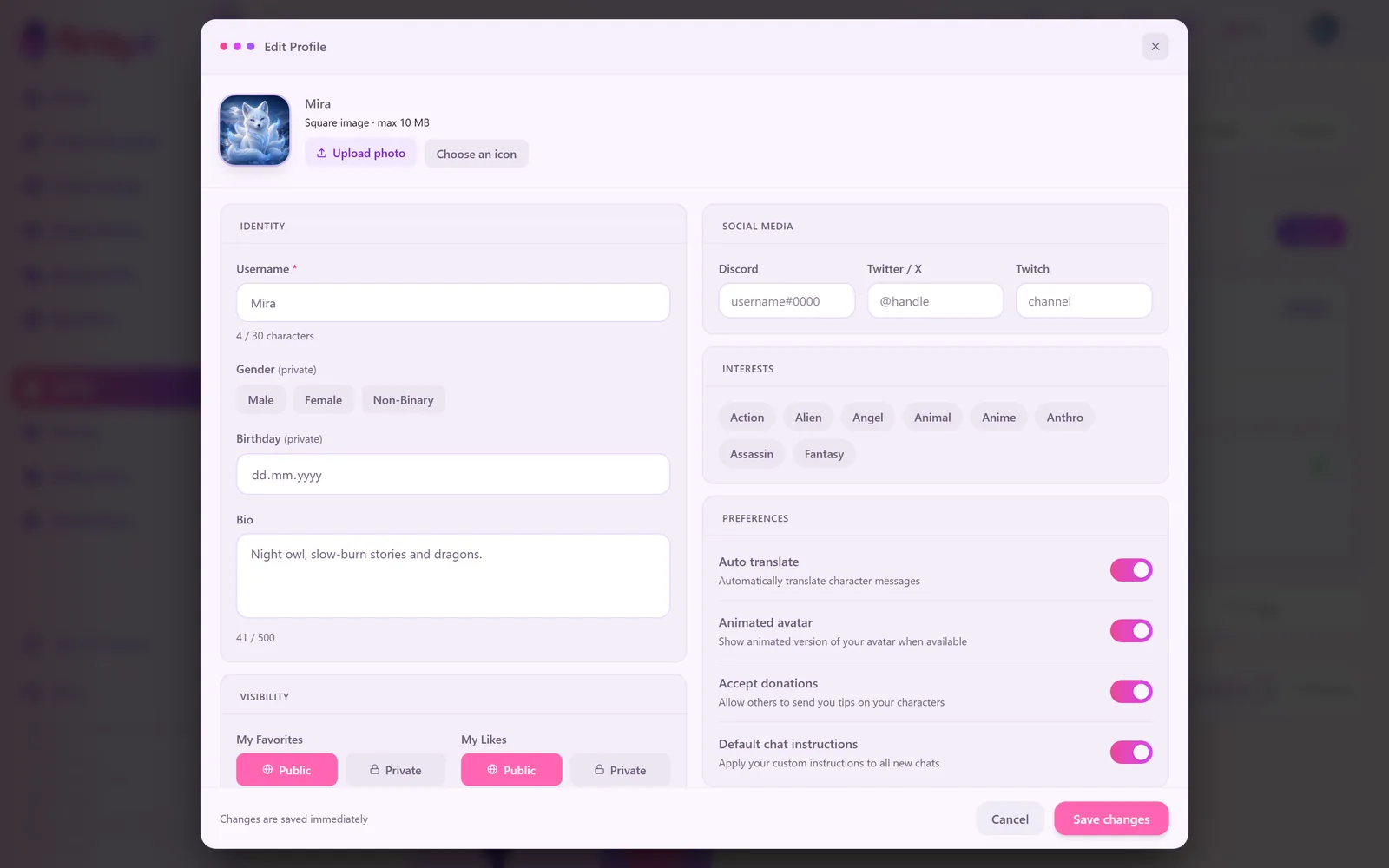
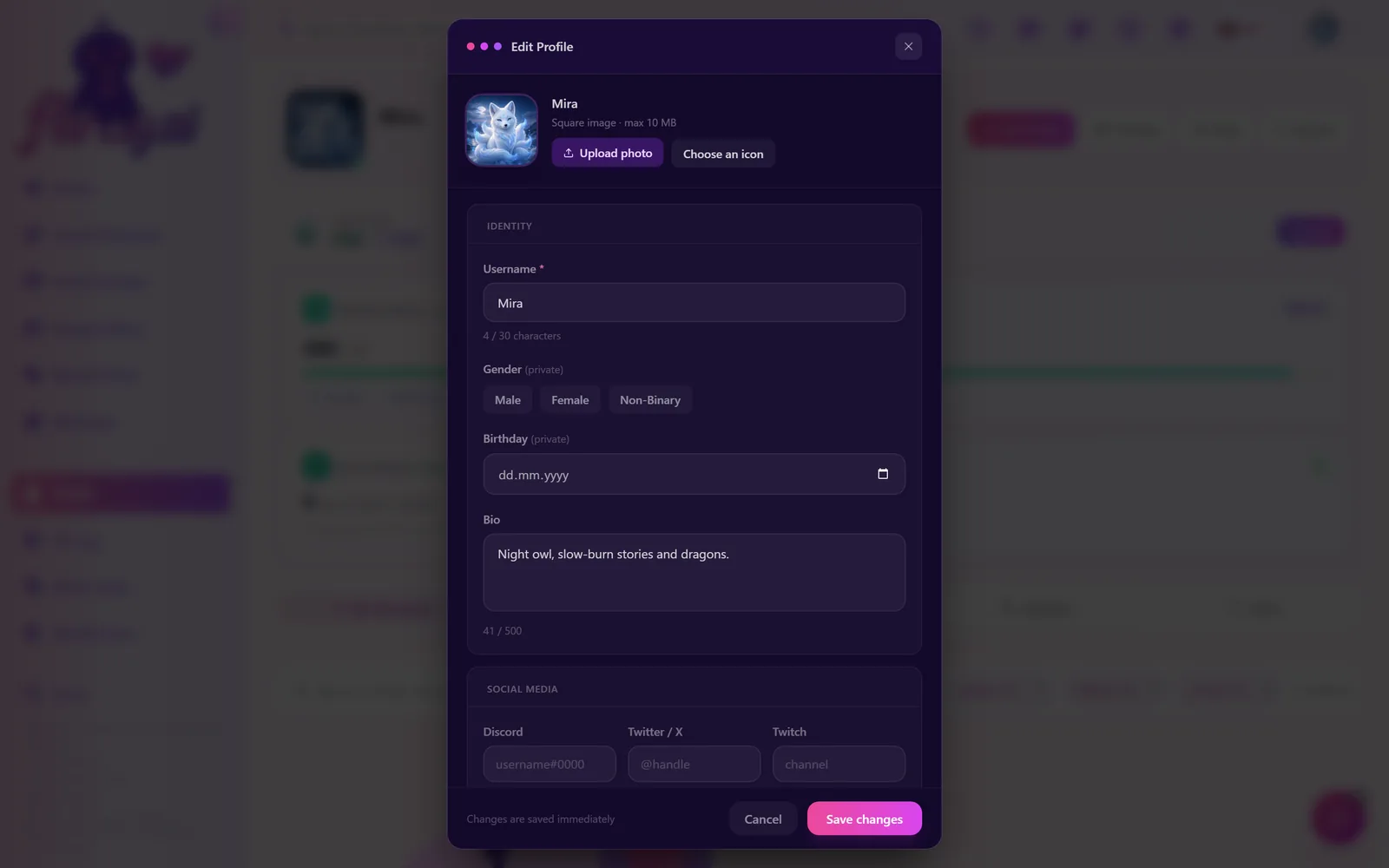
Public profiles used to show only public memories under a tall banner. Now they show everything a person shares publicly: their characters, their pictures and their memories, with an overview, a tab for each, and their numbers: followers, interactions, characters, pictures, memories, the messages and likes their characters received, and since when they've been here.
Your privacy stays the same
Profiles only list what was already public. Pictures from your chats are never shown on your profile, and anonymous memories never name you.
Your profile cards (the persona you bring into a chat) were redesigned too: the edit window, the saved-cards picker and the card in the chat panel have clean icons and a clearer layout, and quotes in them no longer turn into strange codes like ".
09Plans & Embers
Pricing, plainly
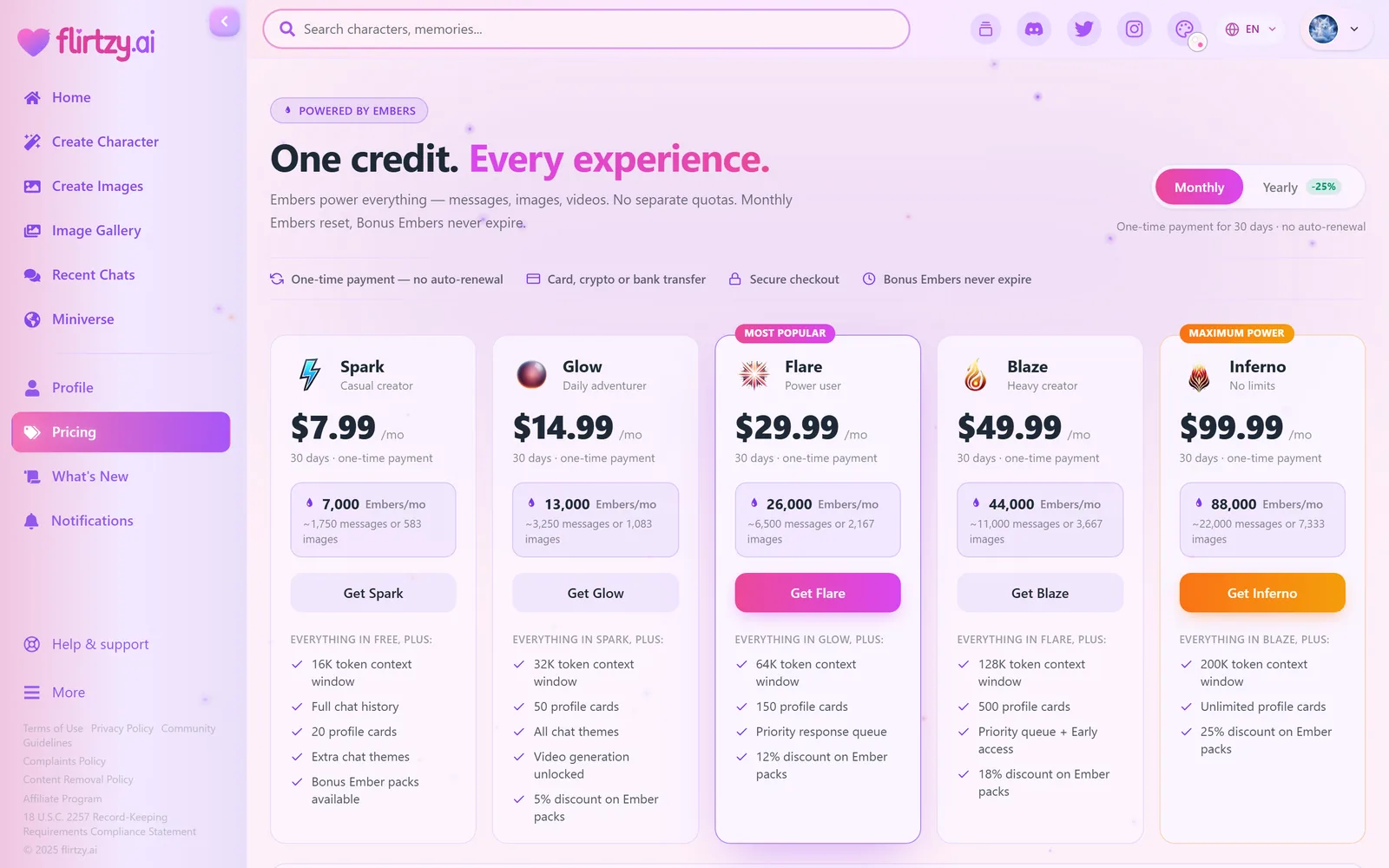
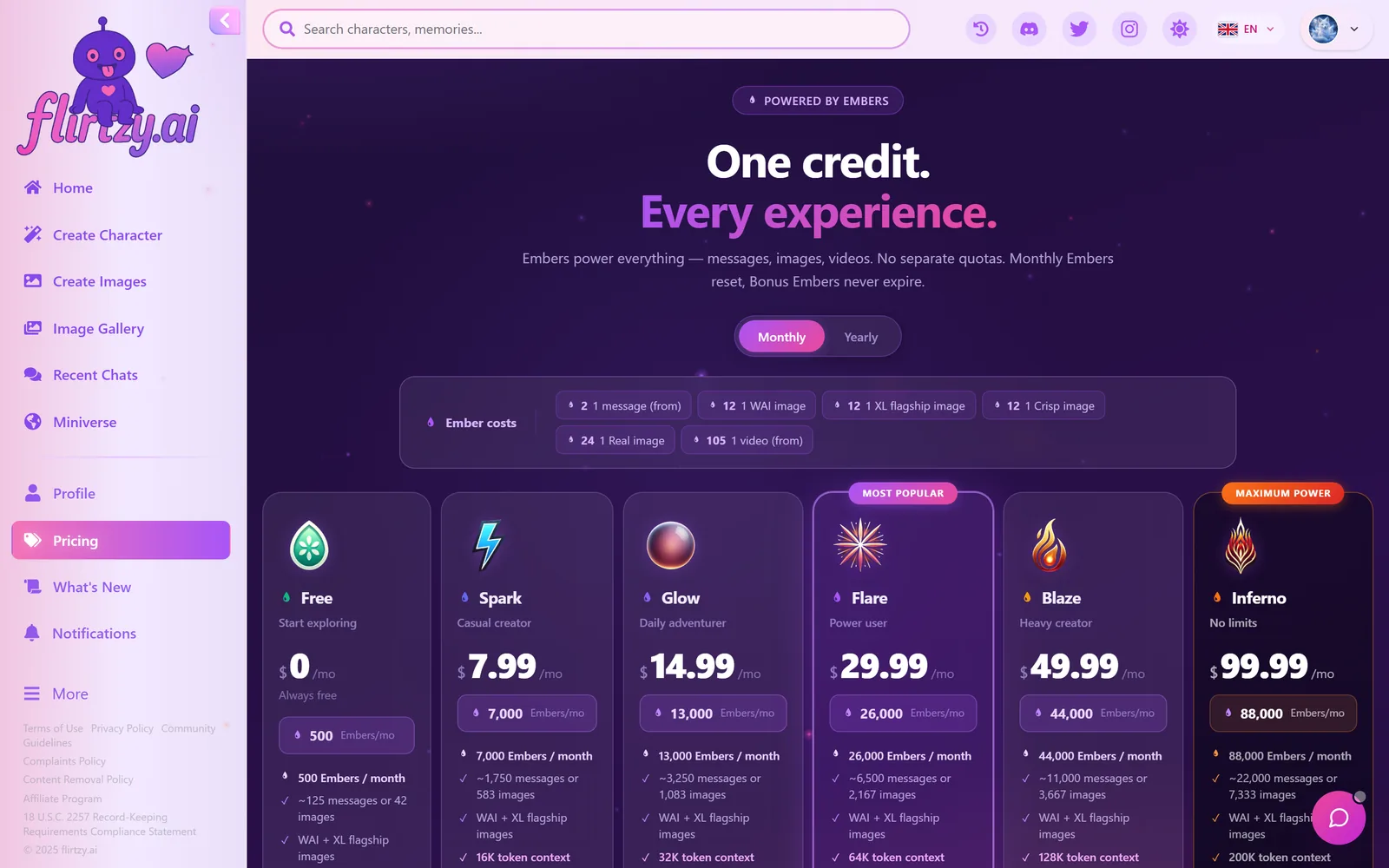
The pricing page opens with the plans and their buttons on the first screen (before, they started halfway down). Right under the title: one-time payment with no auto-renewal (your card is never charged again), card, crypto or bank transfer, secure checkout, and Bonus Embers that never expire.
| Bonus Embers | Before | Now | Saving |
|---|---|---|---|
| 5,000 | $5.99 | $5.99 | – |
| 15,000 | $17.99 | $17.49 | 3% |
| 50,000 | $59.99 | $56.99 | 5% |
| 150,000 | $179.99 | $166.99 | 7% |
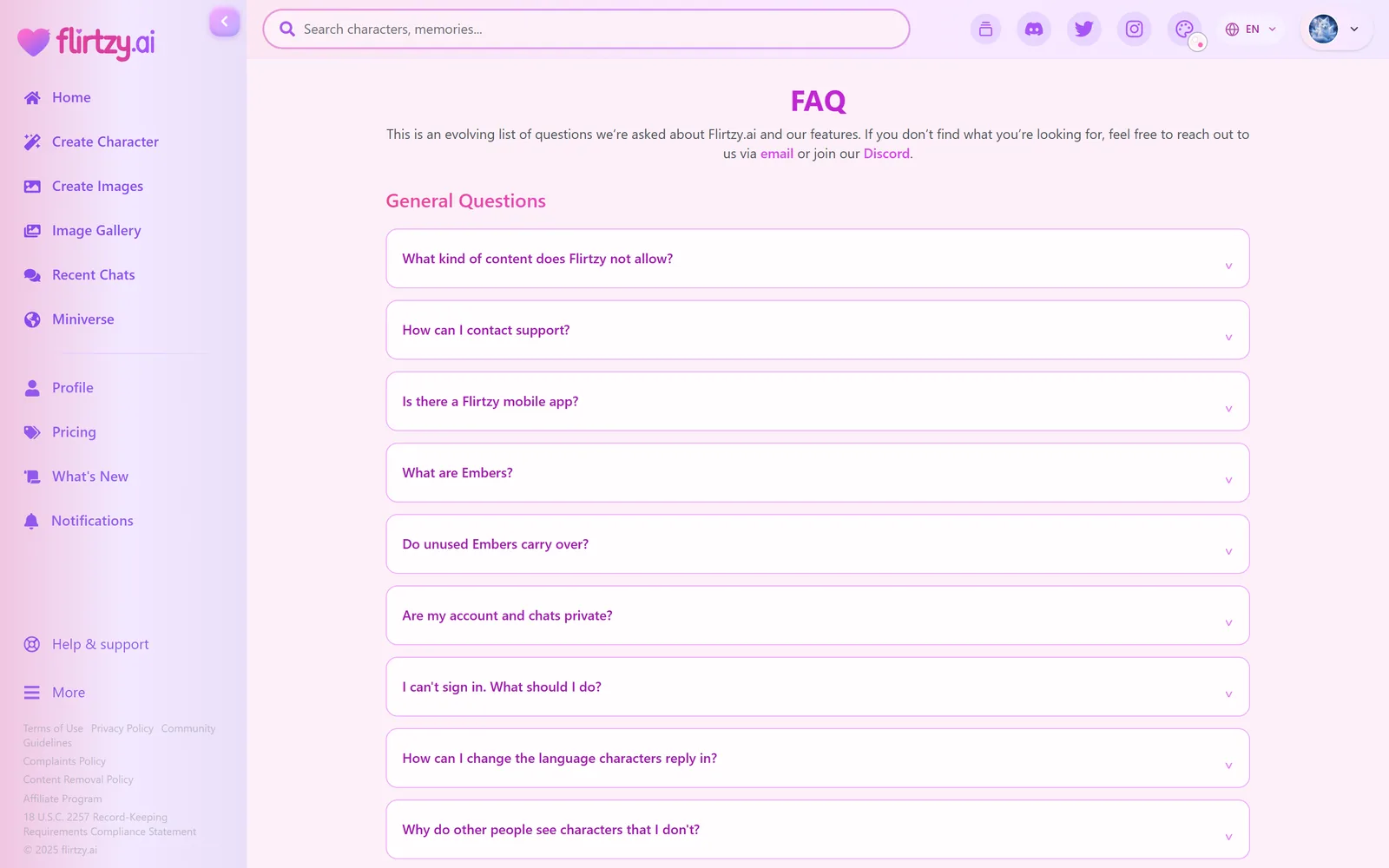
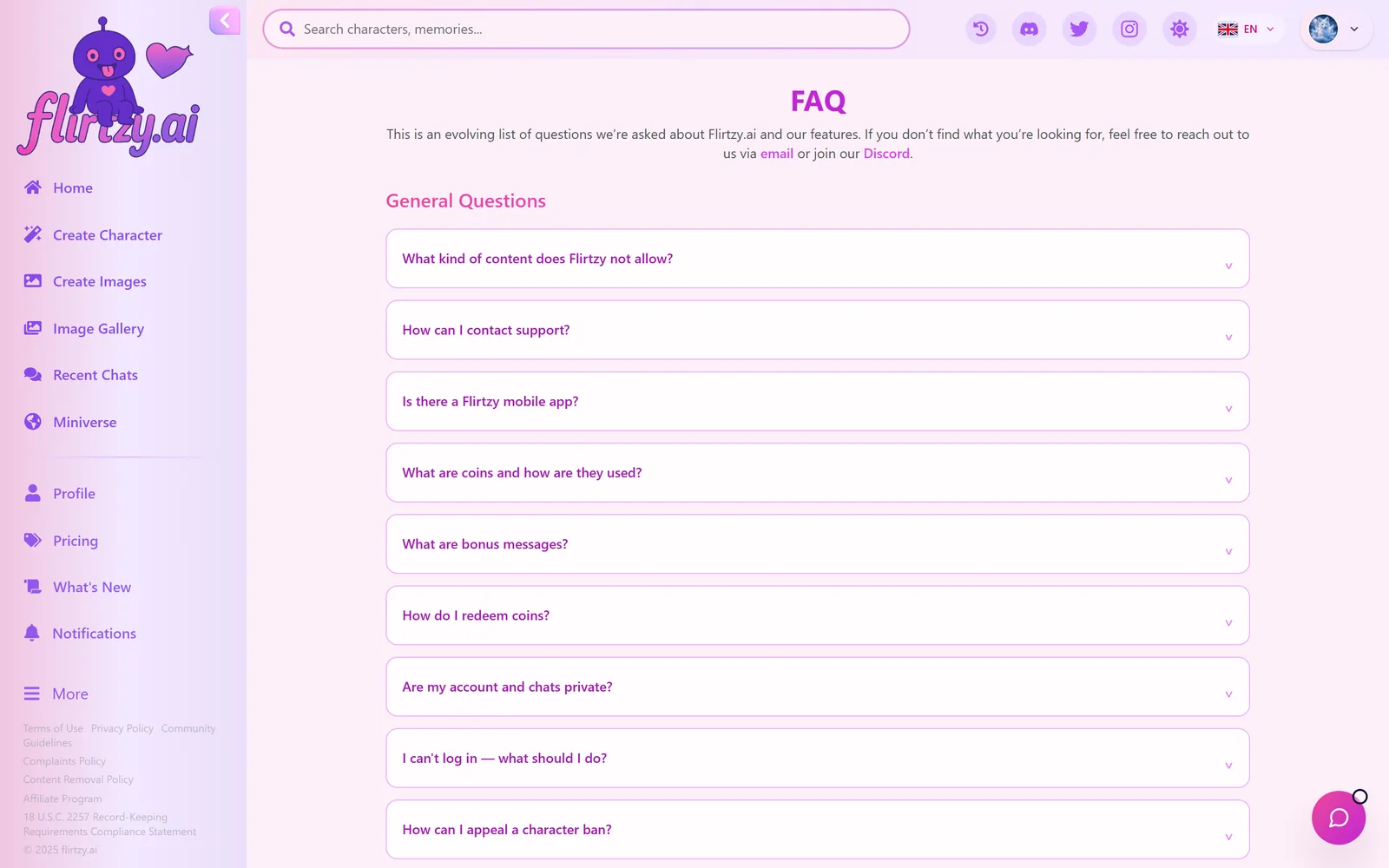
Each plan card shows the Embers per month with roughly how many messages or pictures that is, and only what's new compared with the plan before. The payment window no longer says "billed monthly" or "cancel anytime": it says what's true, 30 days (or 12 months), one-time payment, no auto-renewal. And the FAQ was rewritten to describe how Flirtzy really works: Embers, one-time plans, how to pay, refunds, account deletion. The Terms and Privacy pages now name our real products (plans and Bonus Ember packs) instead of the old coin wording; nothing else in them changed.
10Support
Help & support, in one place
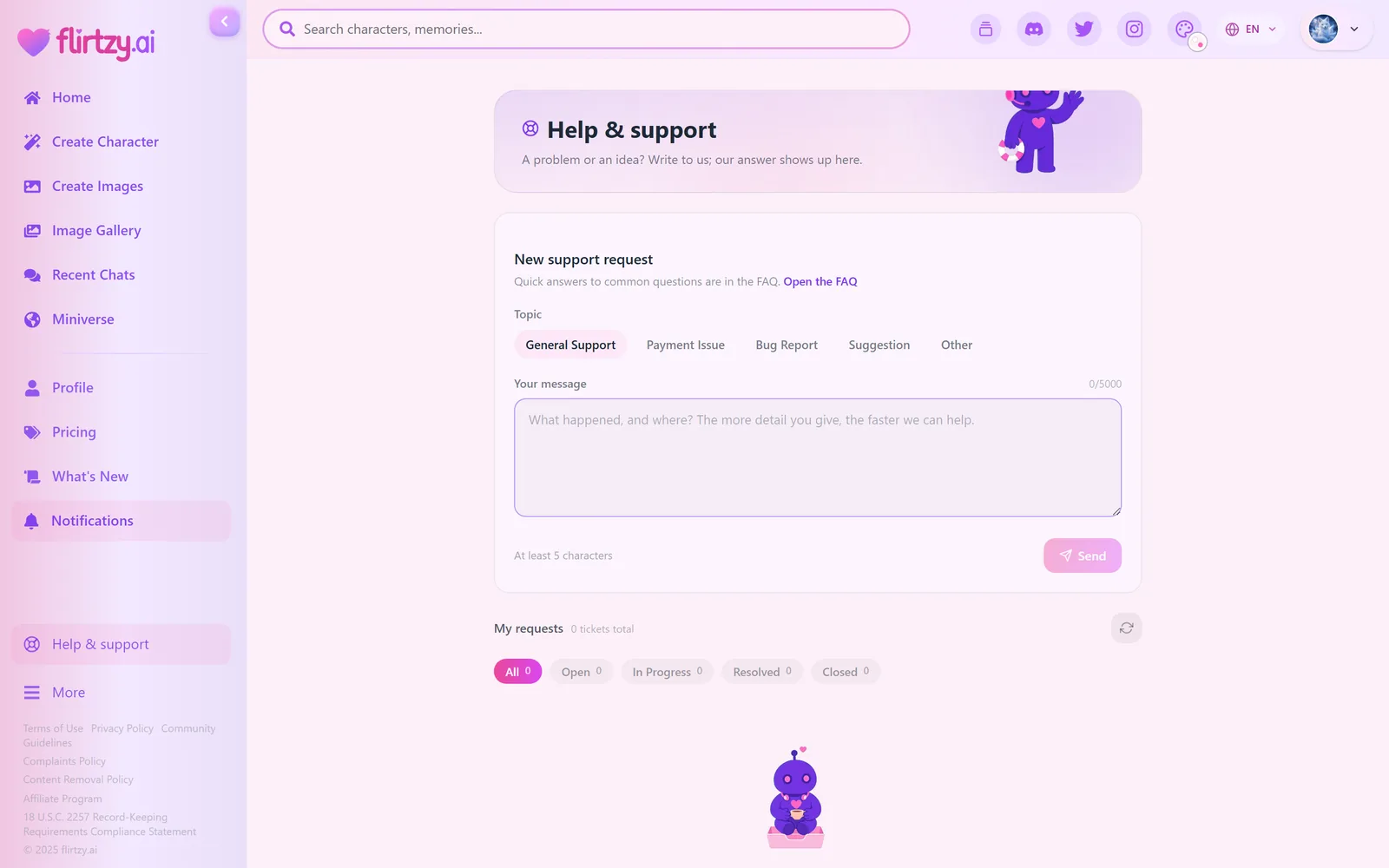
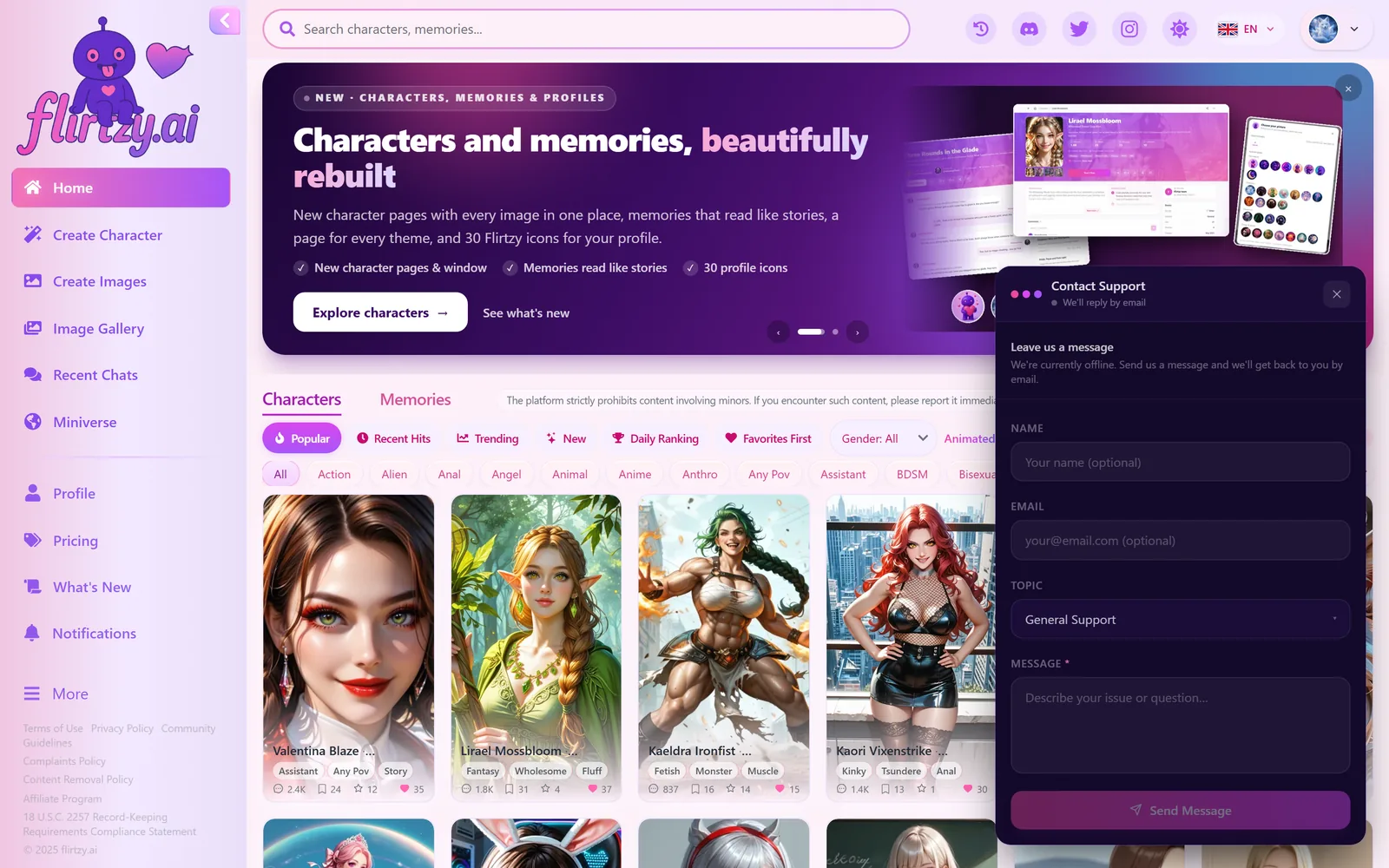
The support widget in the bottom-right corner of every page is gone. In its place there's a much fuller Help & support page, with its own row in the sidebar and in your account menu. Write a request (pick a topic, describe what happened), see all your requests and our answers in one list, and reply to us right there (before, a follow-up meant starting a new request). When our team answers, you get a notification. No account? You can still write to us with your email.
- The live chat bubble only appears while someone from our team is online for live chat, and you can hide it.
- Requests get a short code like FL-TPJTJW that you can quote when you write to us.
- Where money problems happen (pricing, your transactions, payment result pages) one line takes you straight to a payment request.
- Times on requests and notifications are now right in every country (they could be hours off).
11Around the site
Everywhere else
A cuter loading screen
While a page loads or a sign-in link checks you in, our mascot walks in its little wheel, in the middle of the screen and in your theme, instead of a blank page or a line of text.
Search from anywhere
The search box at the top of every page now looks through characters, images and memories, just like the search page.
Sharp pictures for everyone
Visitors and free accounts used to get capped, blurry versions of pictures. Everyone now gets the full quality for their screen.
Dates in your language
Memory cards, chats, comments, support and plan dates follow the language you picked on Flirtzy, not your browser.
Create images, clearer controls
Advanced controls with real sliders and switches, a seed with Shuffle, a reset that's always there, style previews without black bars, and the character picker and preset previews redone for every theme.
Generations menu
A clearer icon with a thin ring that turns while something is being made, and a friendly empty state.
New version card
When we ship an update you get a small card offering a reload. It never reloads by itself, so you never lose what you were typing.
For affiliates
The affiliate dashboard follows your theme too, with a theme switch at the bottom of its menu.
Comments and memory cards
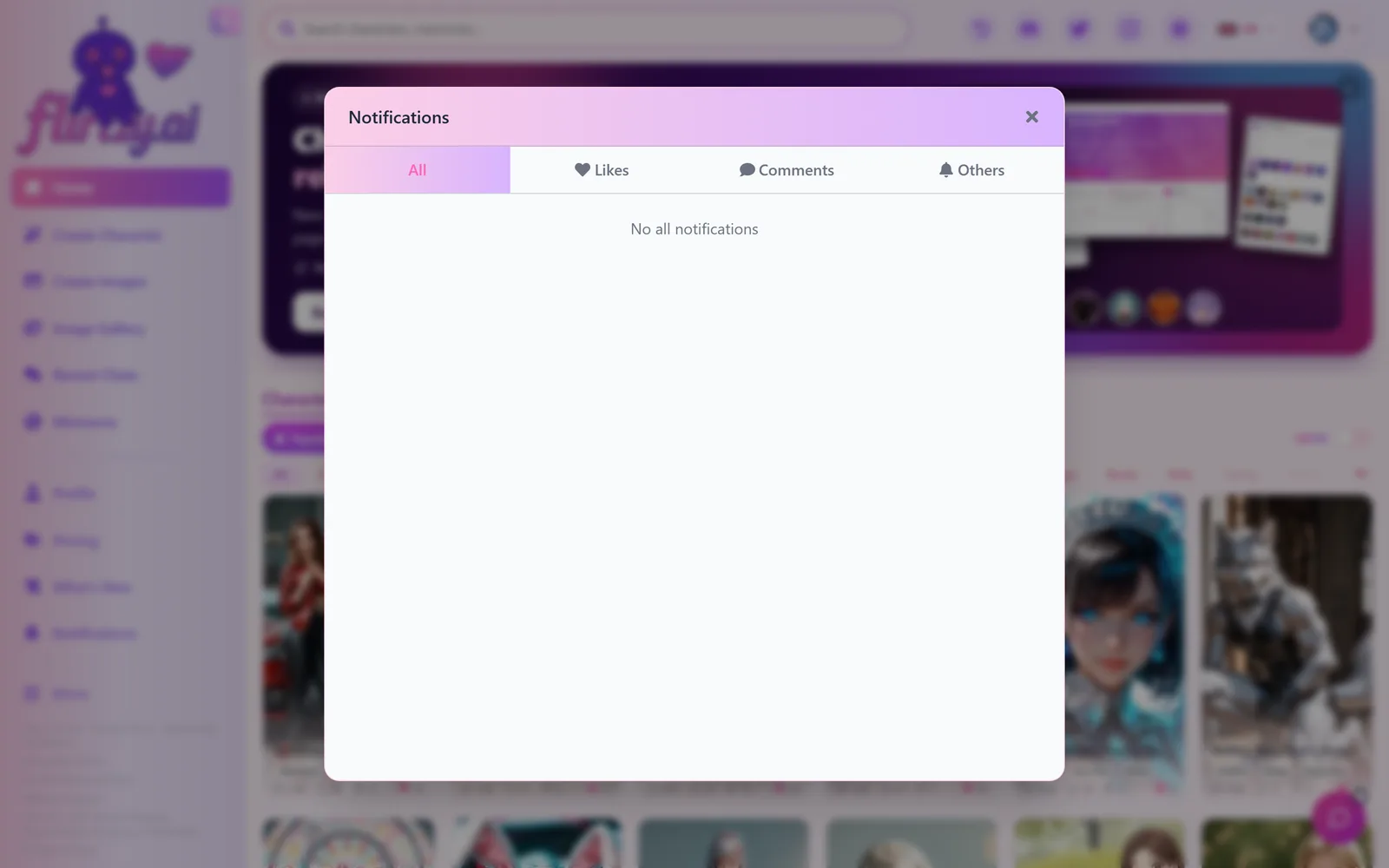
An empty comments window greets you with our mascot instead of a blank space, and memory cards use clean line icons for their numbers.
12FAQ
Questions
The Big Refresh: Four Looks, a New Search and a Faster Chat
Flirtzy has been rebuilt almost everywhere. Pick one of four themes (Twilight is the new default), search characters, pictures and memories as you type, get chat pictures in about half the time, create characters in three simple steps, and meet new characters in your own language. Plus a new pricing page, Help & support, richer profiles and dozens of fixes.
What do you think?
 Adults only · 18+
Are you 18 or older?
Flirtzy is an AI companion platform with adult content, including sexually explicit material. You must be at least 18 years old, or the age of majority where you live, to enter.
By entering, you confirm you're of legal age and agree to our Terms of Service and Privacy Policy.